Help customers reach the right local services
A useful location record helps services recognize where your network operates. Update your route information, verify an announced IP and let LARUS publish the location through its geofeed.
Update and verify your location
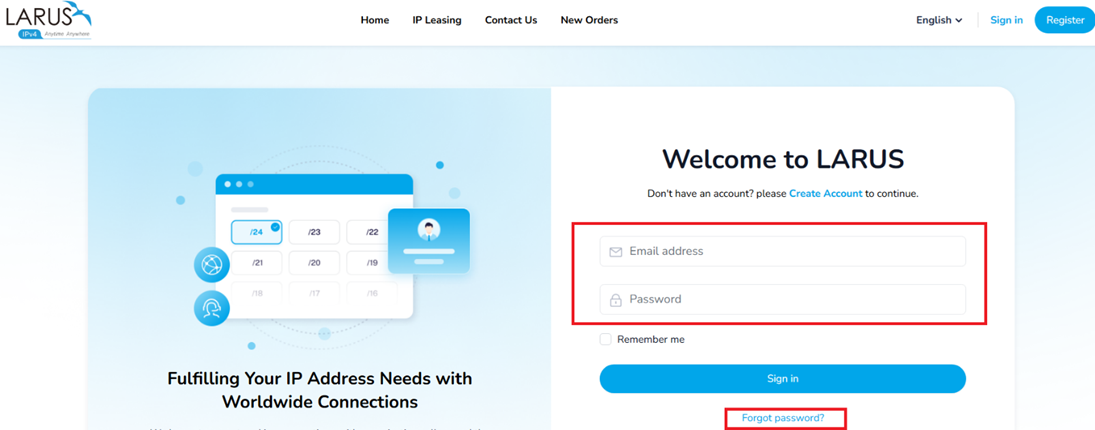
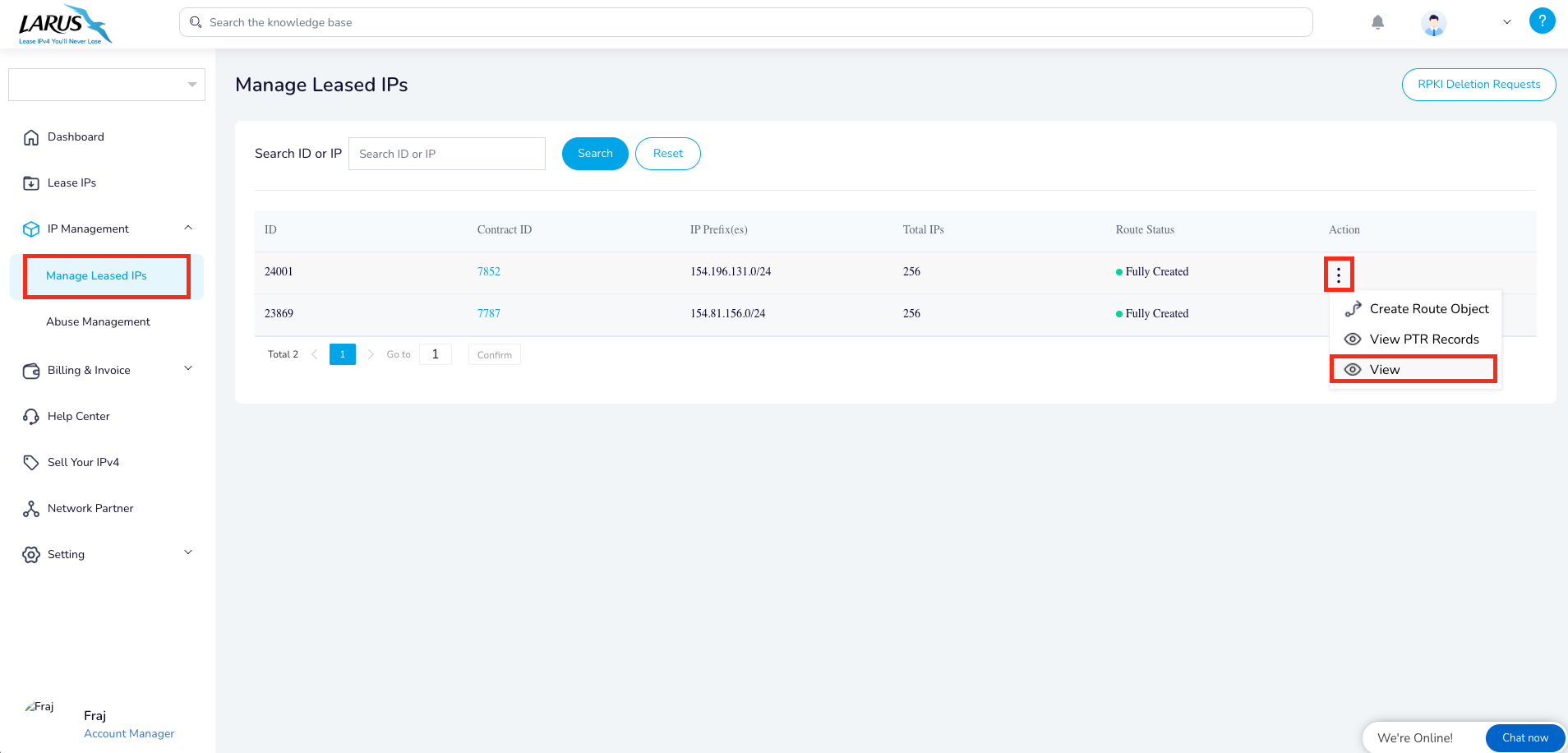
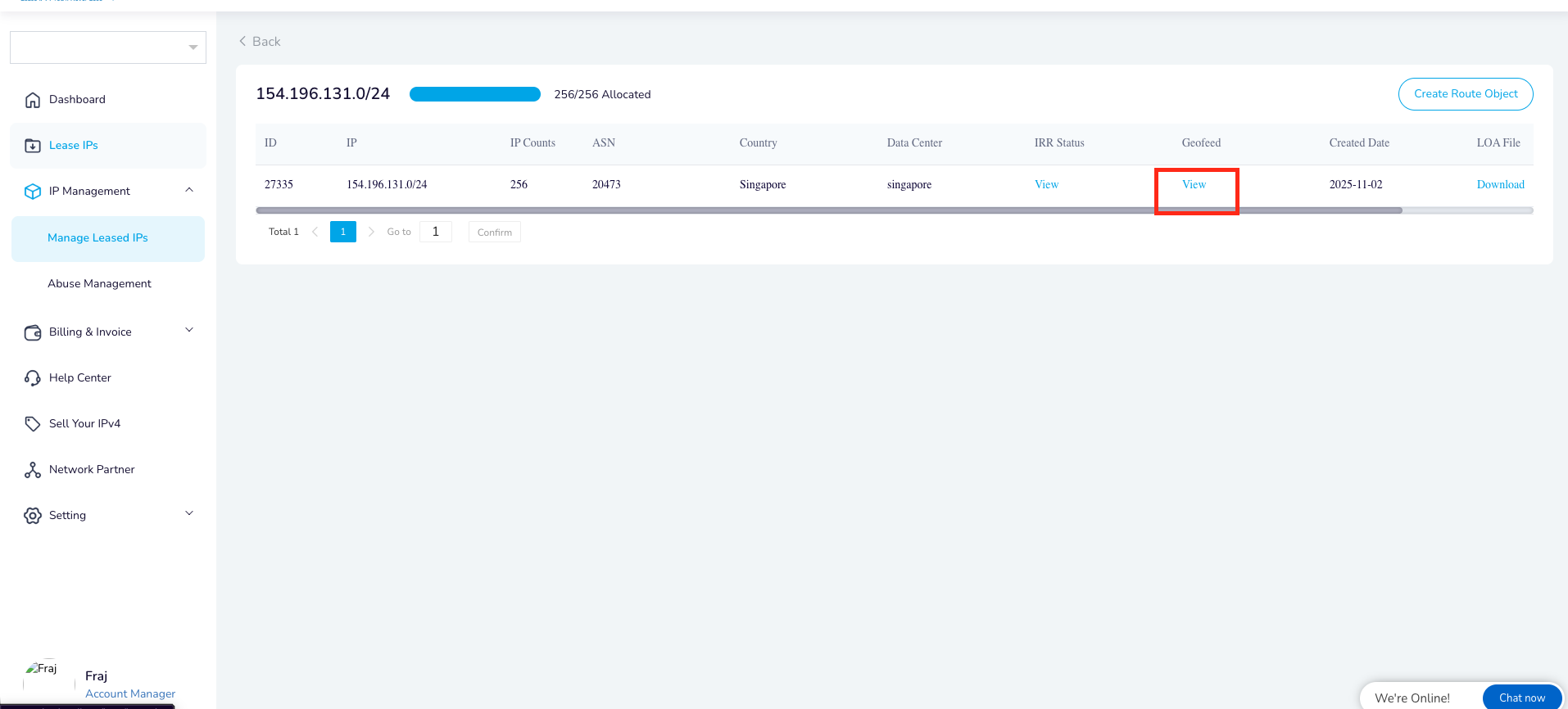
- Sign in to your LARUS account. Open IP Management → Managed Leased IPs, then choose Actions → View for the block.
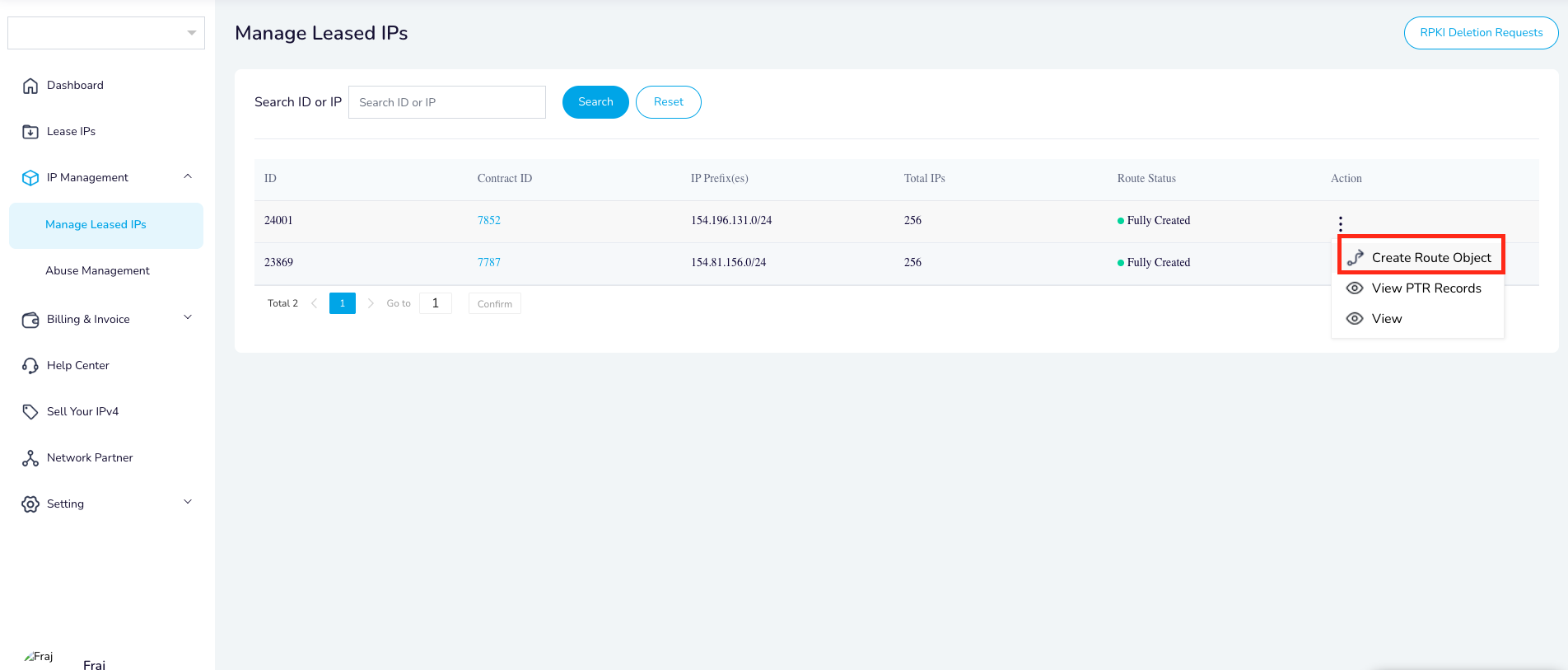
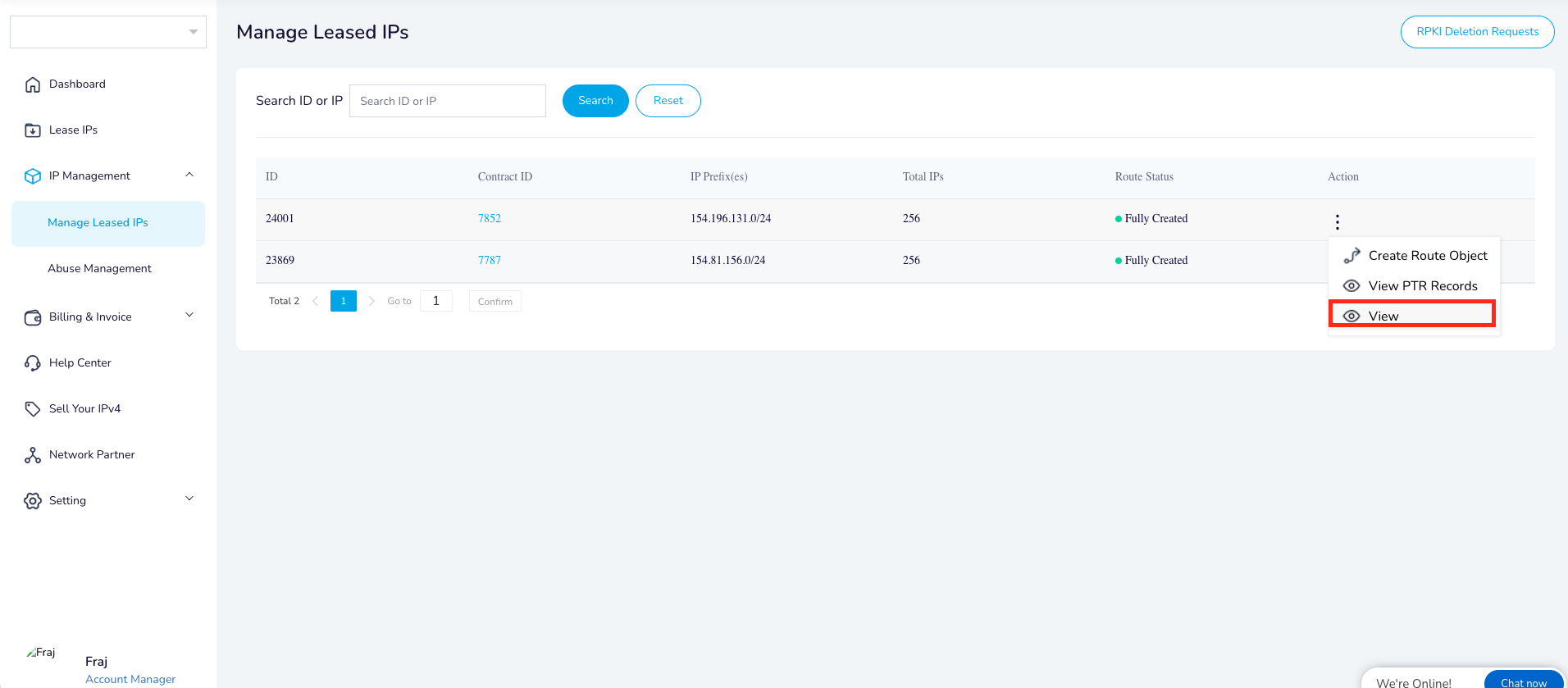
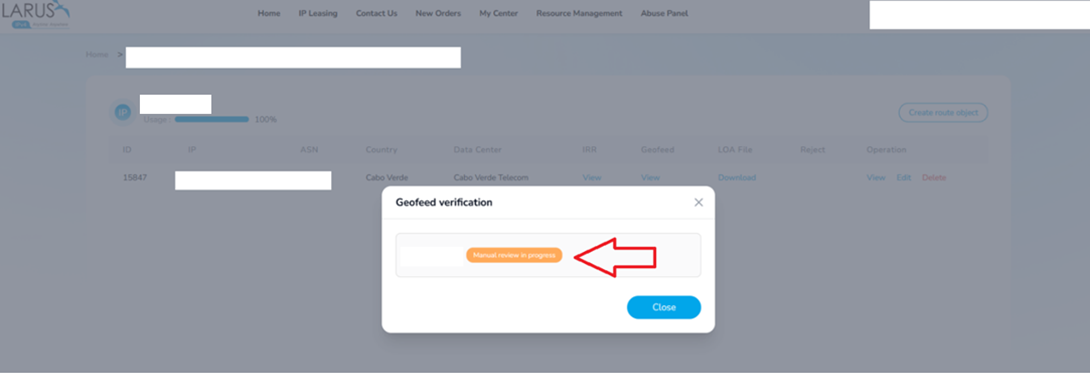
- Use Create Route Object for the location you want to update. Open the block again and select View in the Geofeed column.
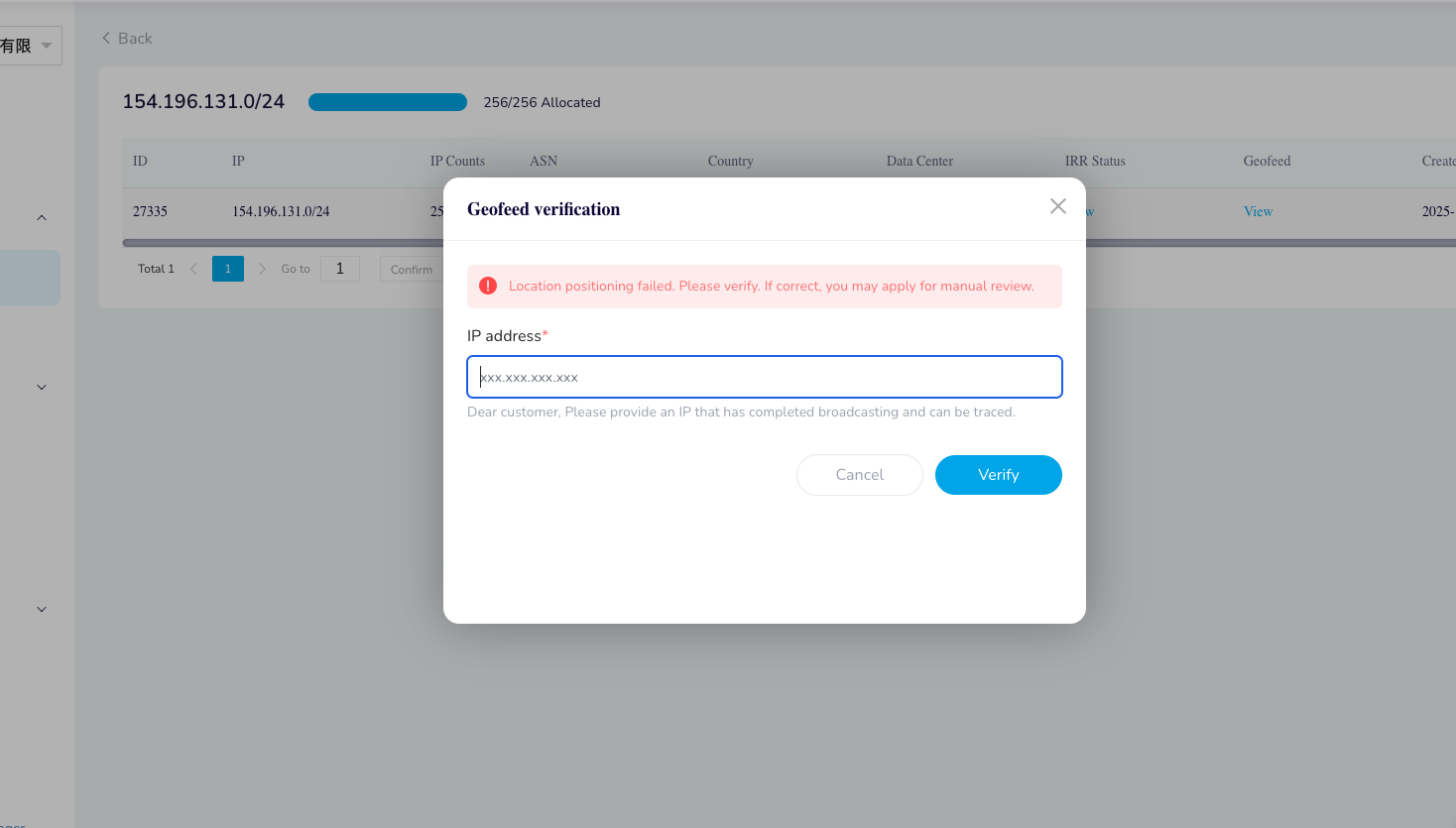
- Enter an IP already announced from that location. A reachable route gives the verification system the network evidence it needs.
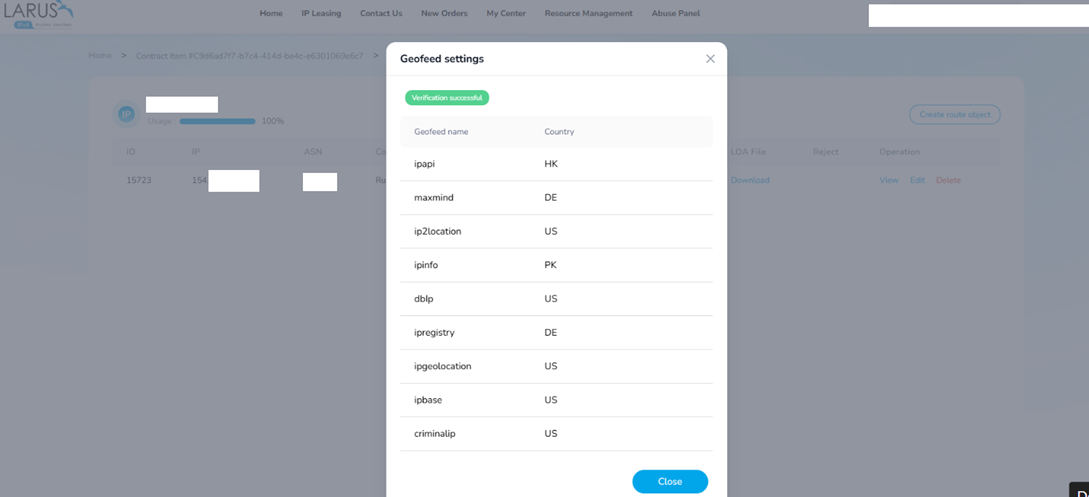
- After Verification successful, LARUS adds the update to its official geofeed. Geolocation providers then import that data on their own schedules.
If the location still looks wrong
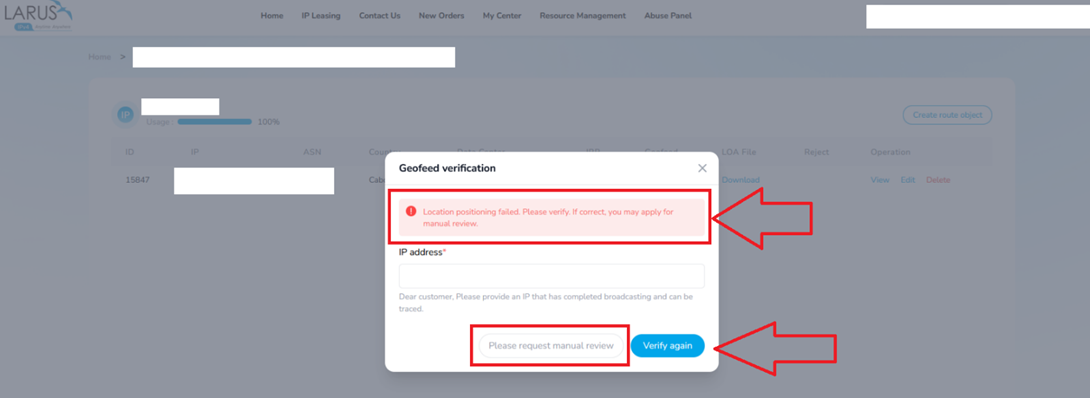
Check the affected service and its geolocation provider, along with the IP you tested. If automatic verification fails even though the announcement is correct, choose Please request manual review. Send support the block, intended location and the service showing the wrong result.
WHOIS registration and a service’s geolocation database serve different purposes. Updating one does not instantly update every other database. The geofeed gives those providers a consistent location record to use.
Follow the account walkthrough