Turn your location into room to grow
Bring your network and local infrastructure to LARUS Network Partner. Access Unlimited IPv4, expand the address supply behind your services and put spare infrastructure to work. LARUS operates the routing setup with you so your team can focus on customers and growth.
Why two physical servers?
The pair runs redundant routers. If one server needs maintenance or has a fault, the second supports continuity. This redundancy helps stabilize BGP and the network behind your API-driven address operations, giving your services a stronger foundation for ongoing IPv4 supply.
Bring your location online
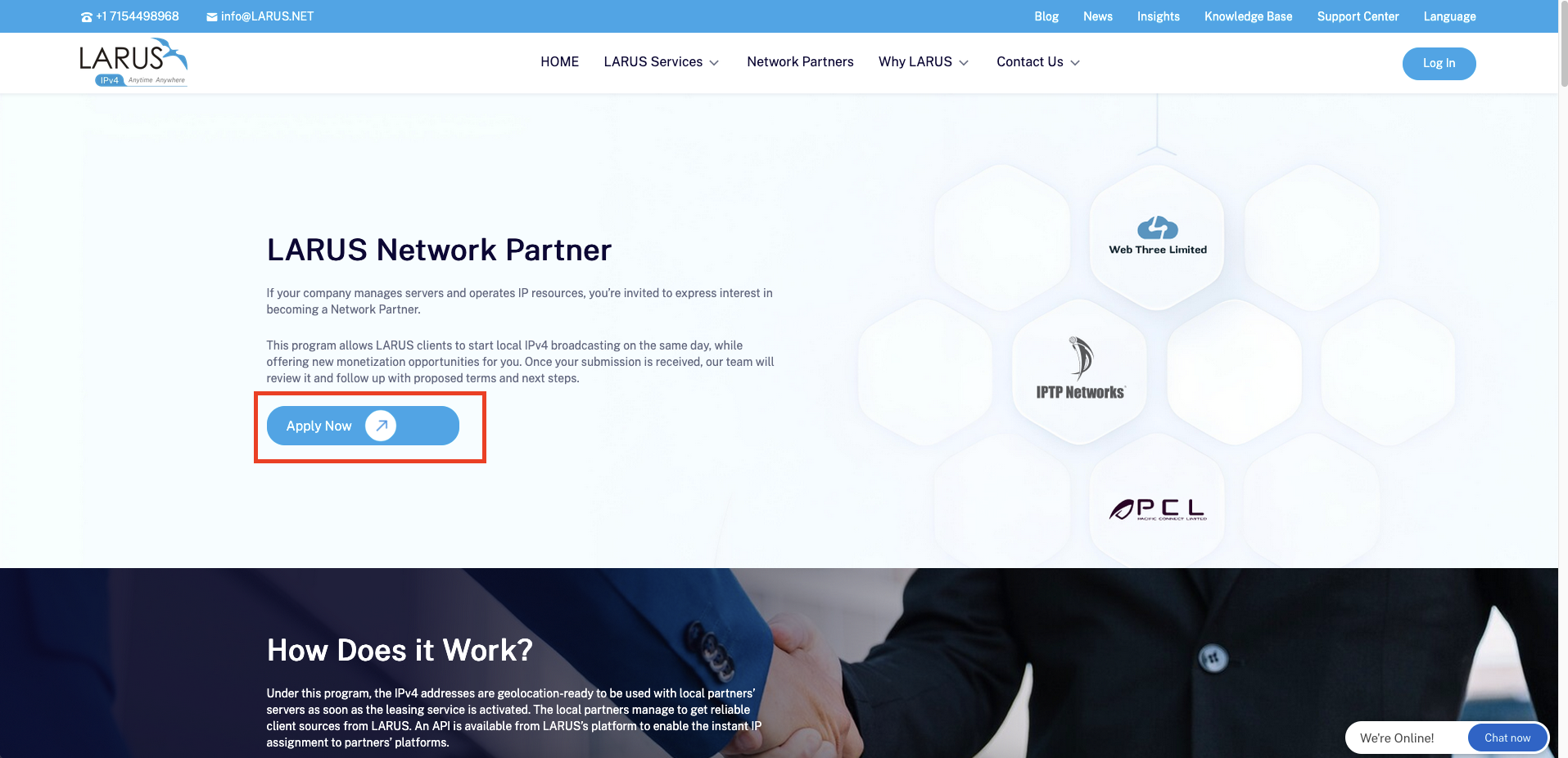
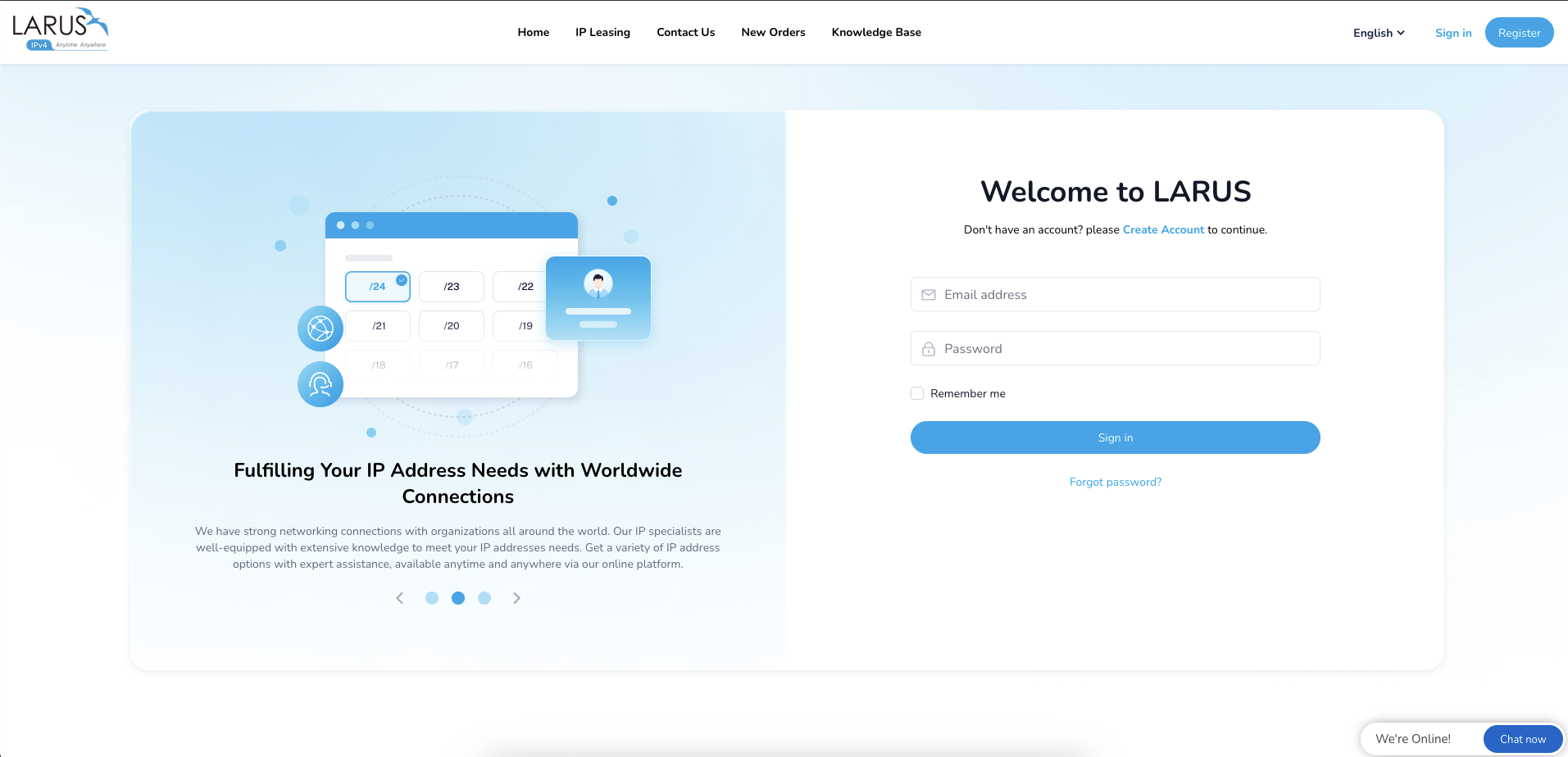
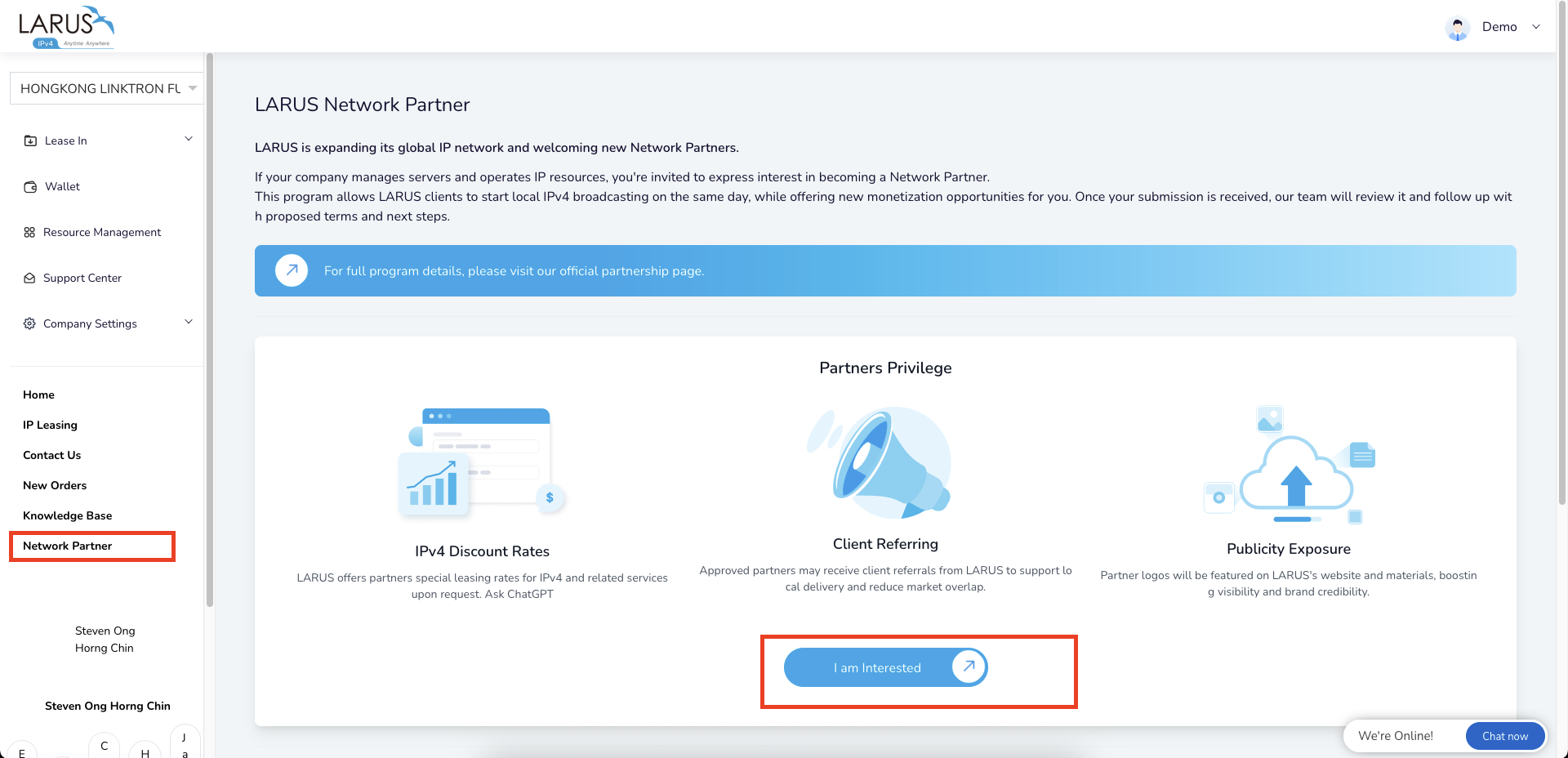
- Open the Network Partner page, then sign in or register to start your location.
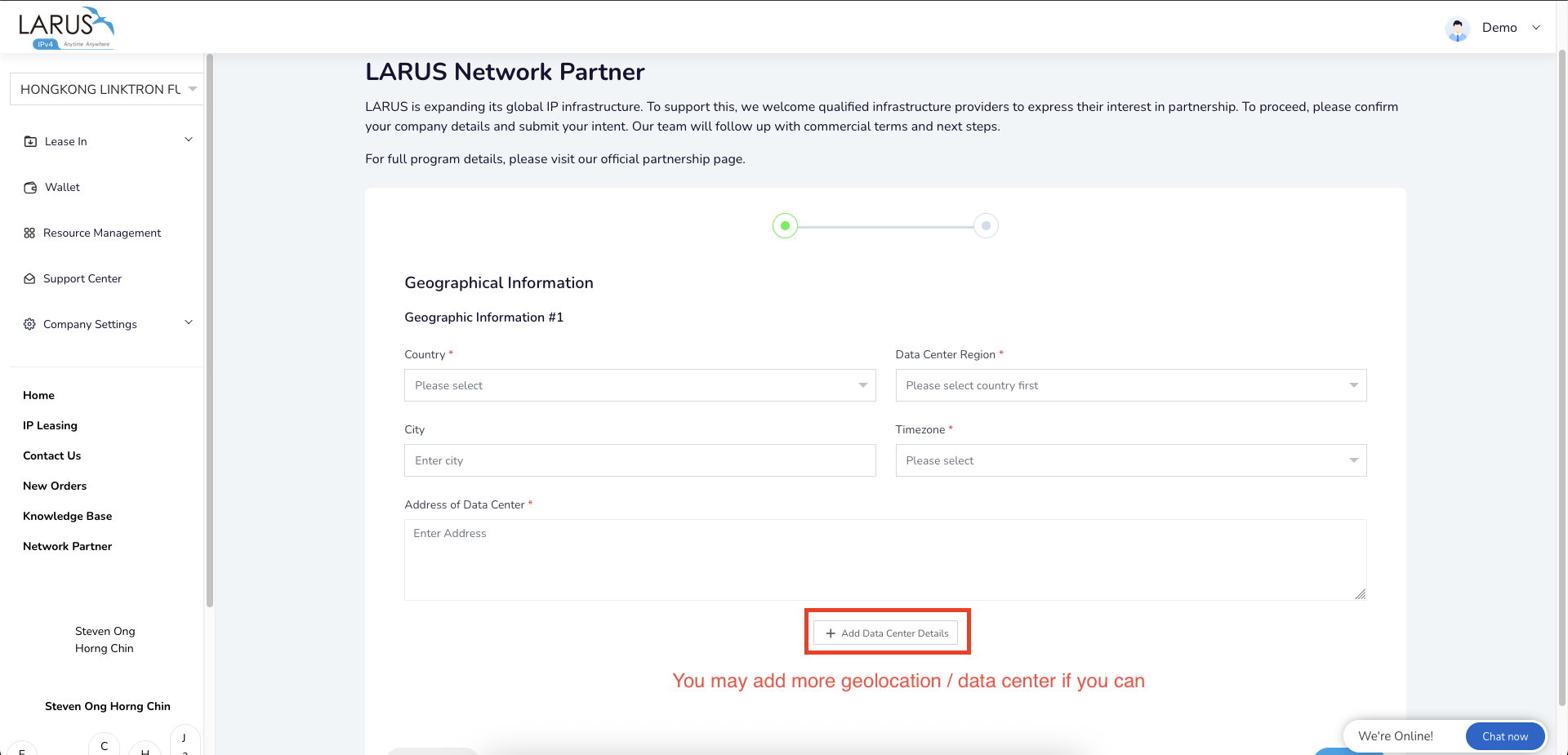
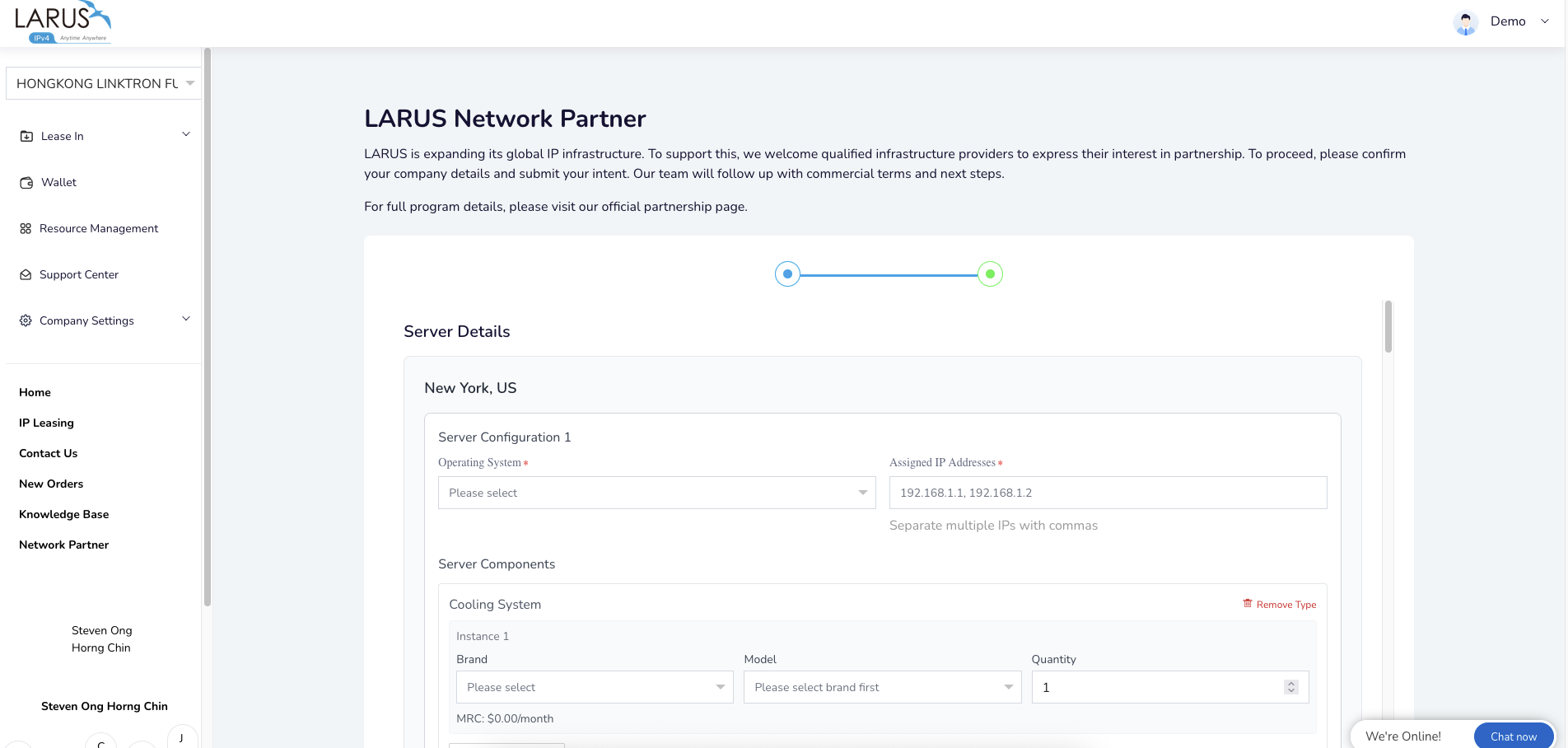
- Add its geography, connectivity and the specifications of the two physical servers.
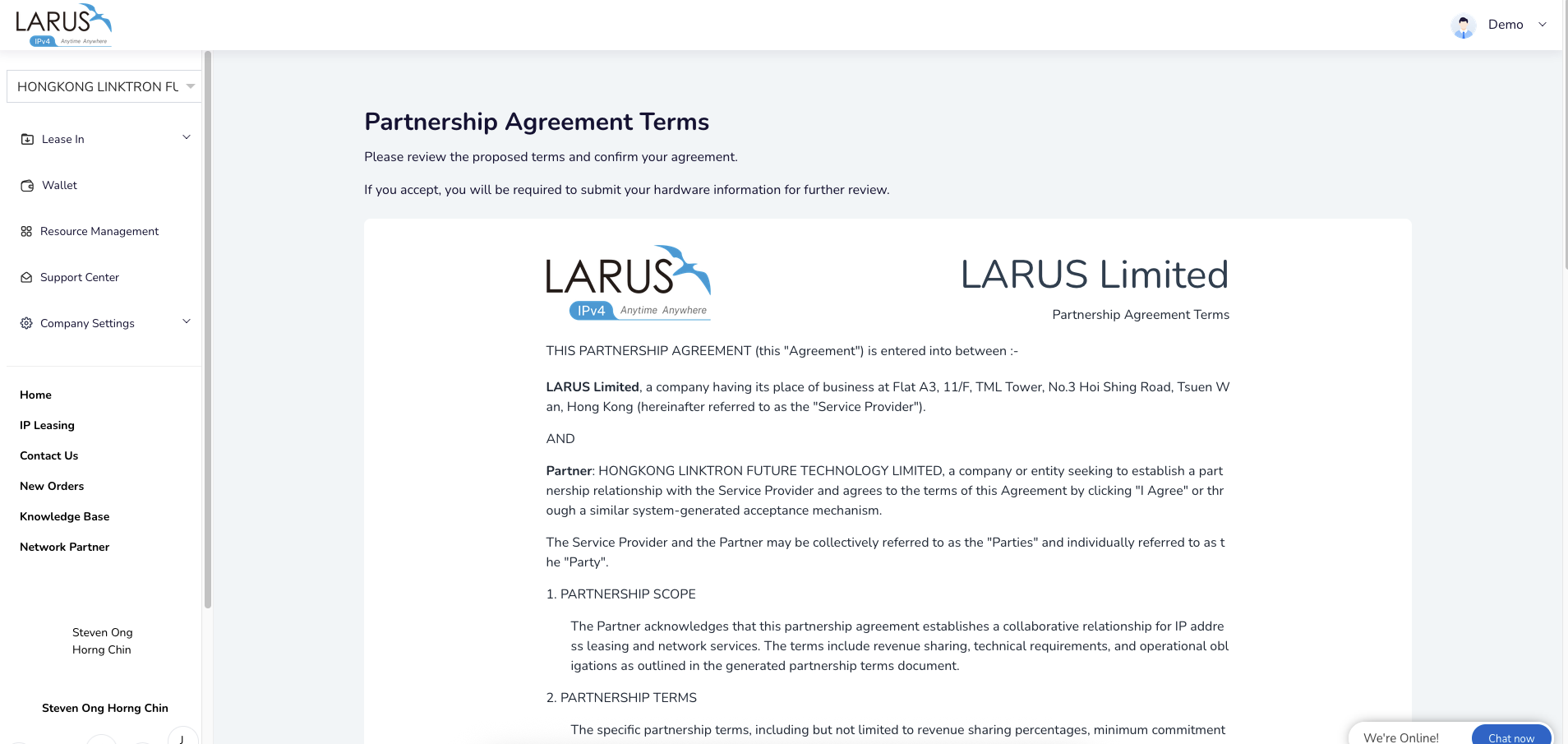
- Discuss the recurring value of your contribution and the commercial arrangement with LARUS.
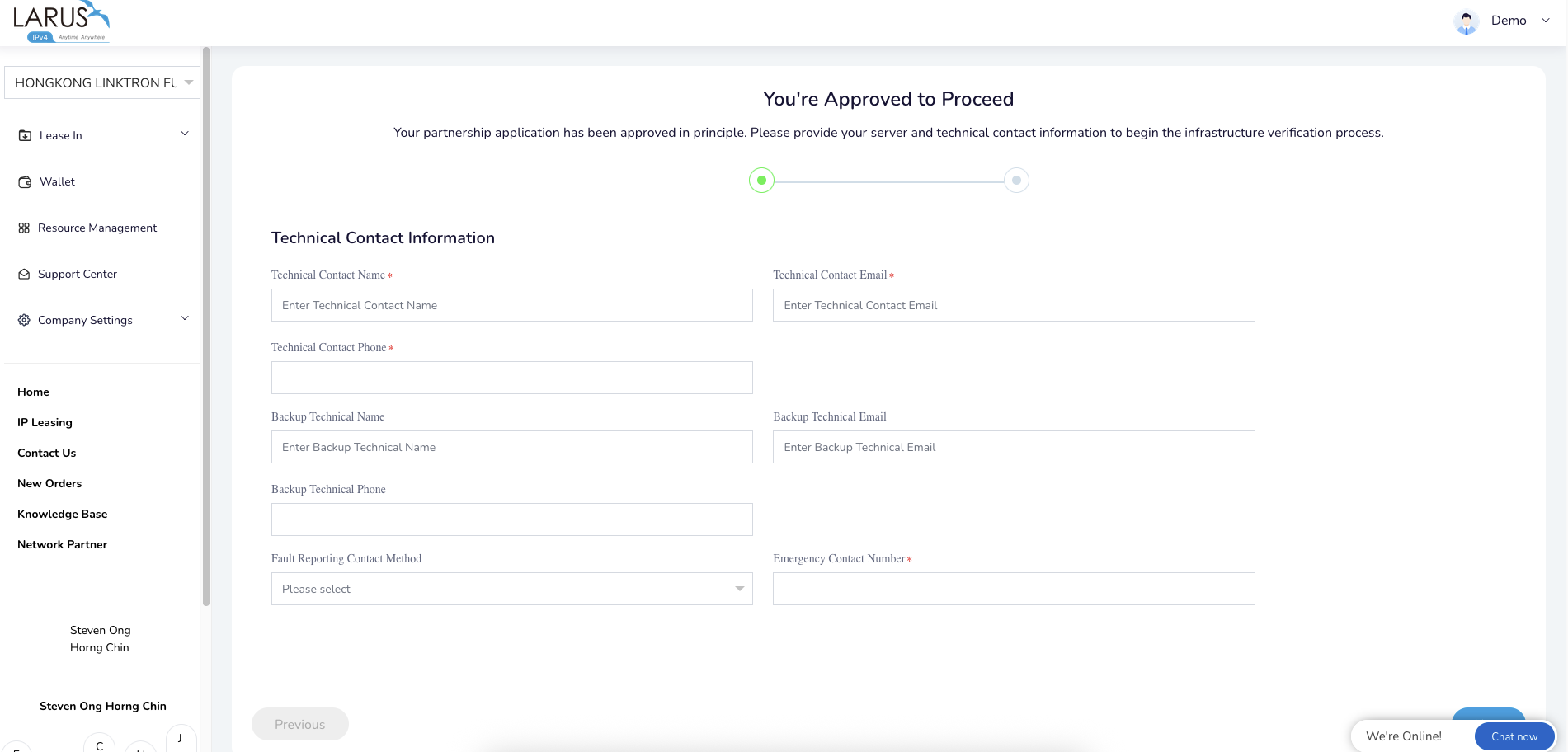
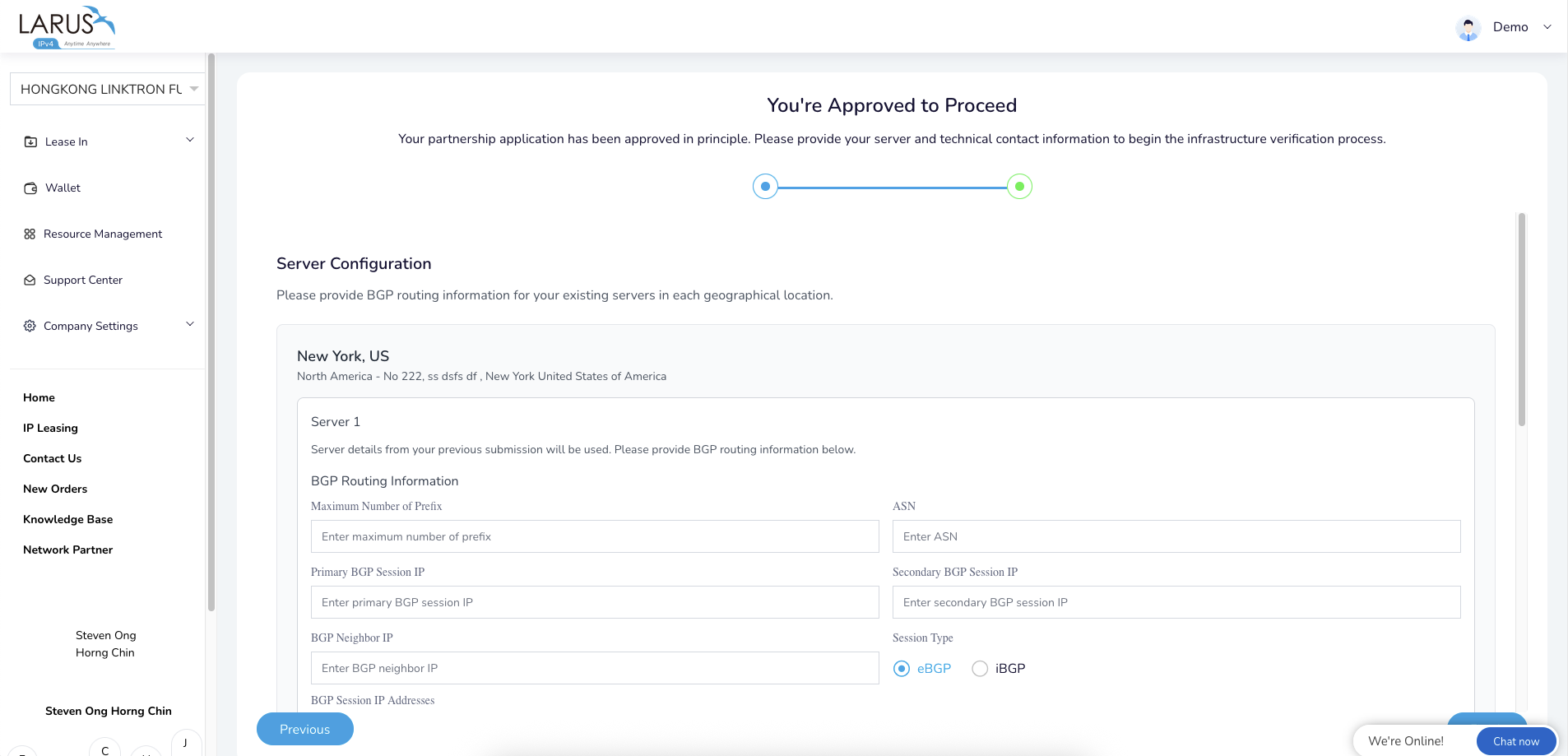
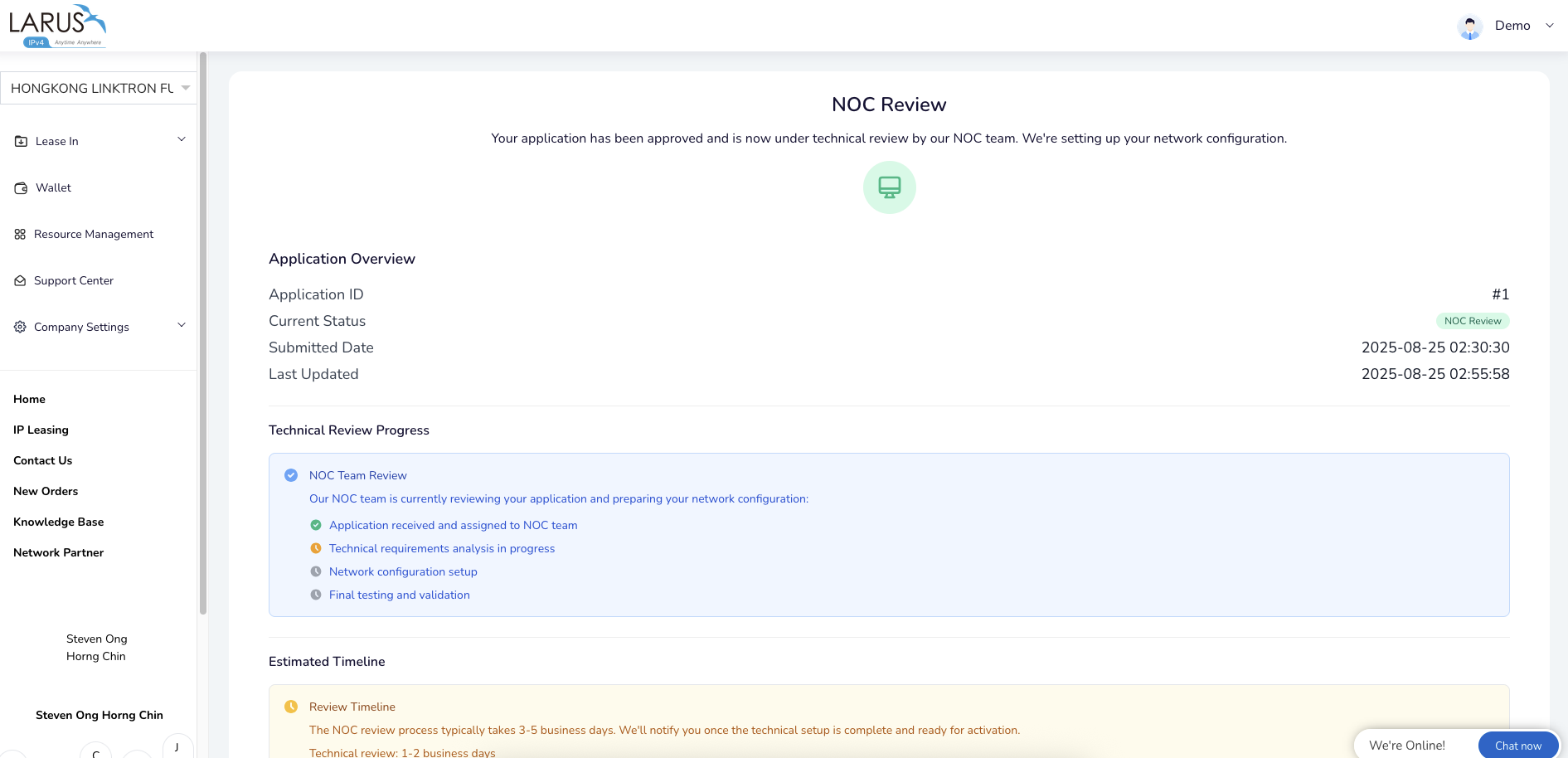
- Share the technical contact and BGP information so the NOC can configure the node and verify its routing.
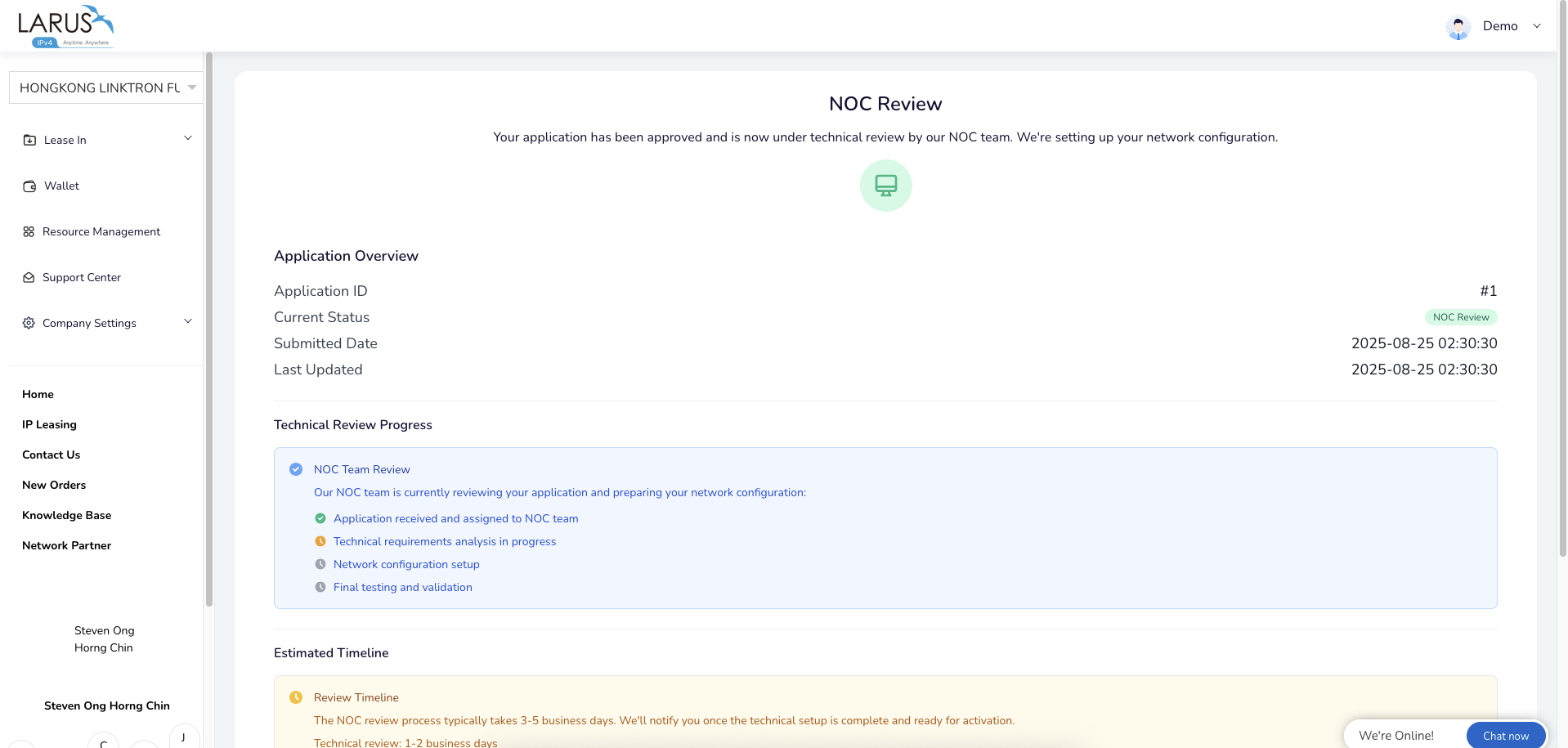
- Complete activation with the team and put your address supply to work.
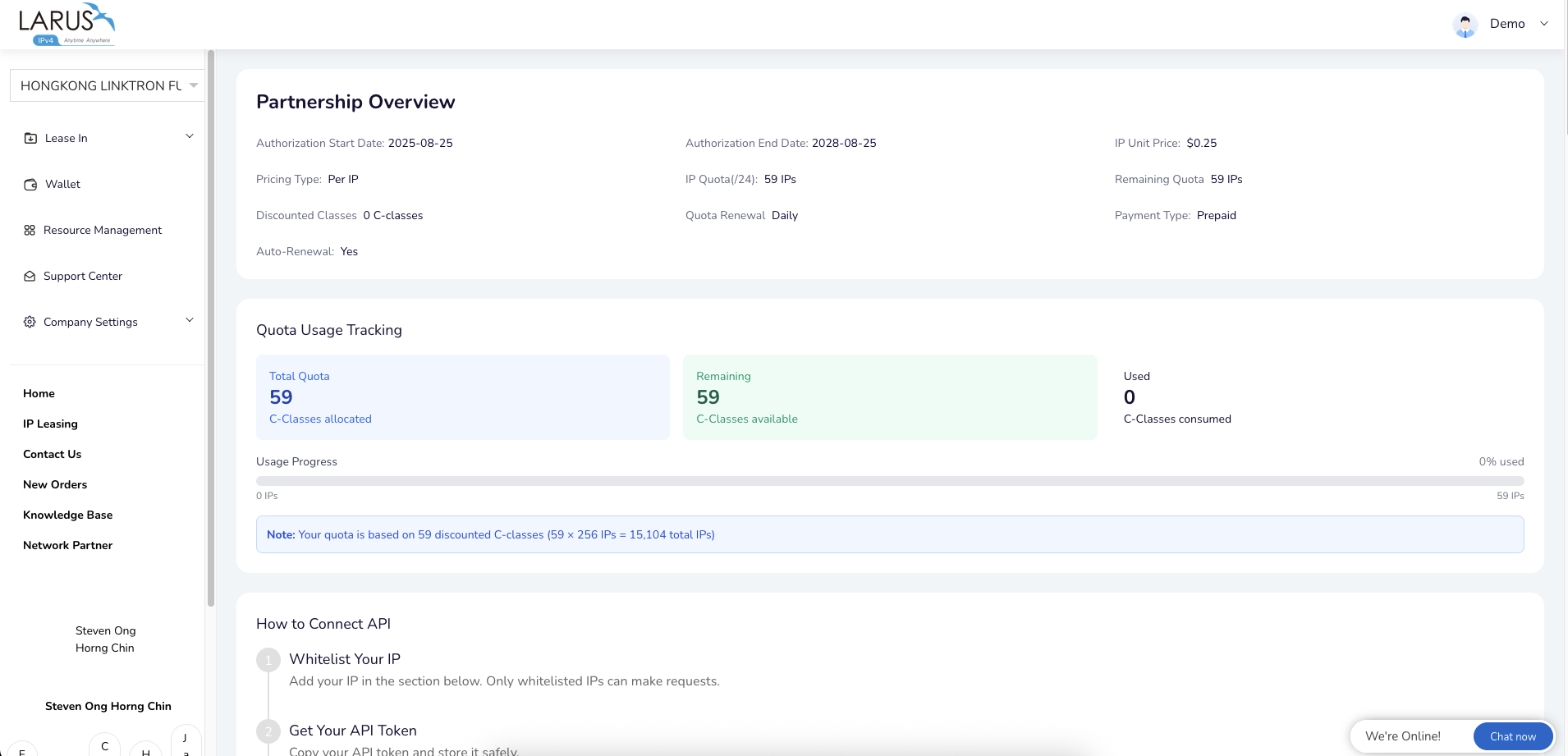
The programme brings recurring credits, API access and opportunities for joint marketing together with your infrastructure contribution. Visit the Network Partner page to explore the current programme and start a conversation about your location.
Location setup walkthrough