Choose the route that gets your services moving
If you are searching for IPv4 to buy, start with the capacity, location and continuity your network needs. Compare the upfront commitment of a purchase with a LARUS leasing plan that keeps capital available for the rest of your business.
Using the buying workspace
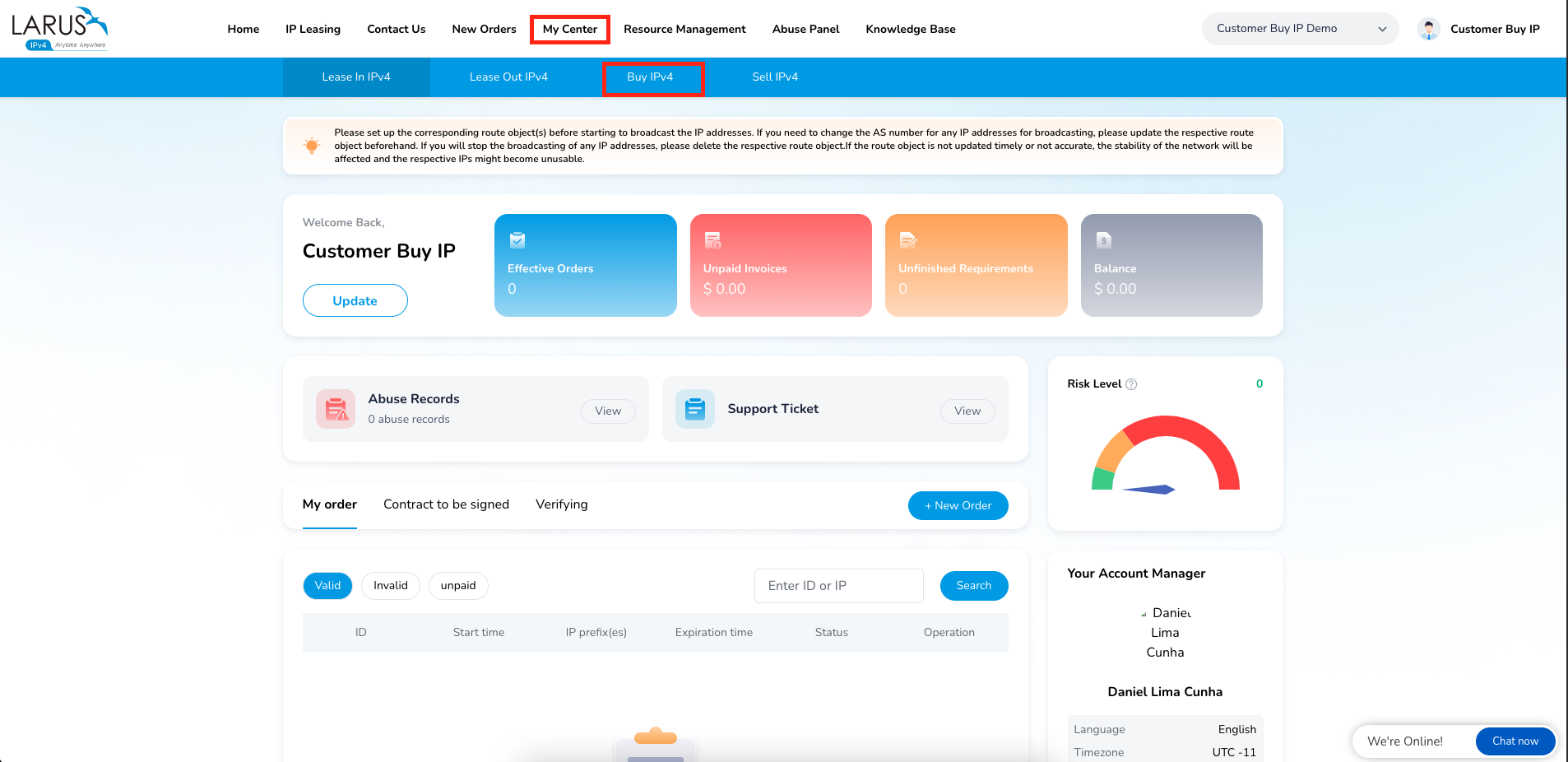
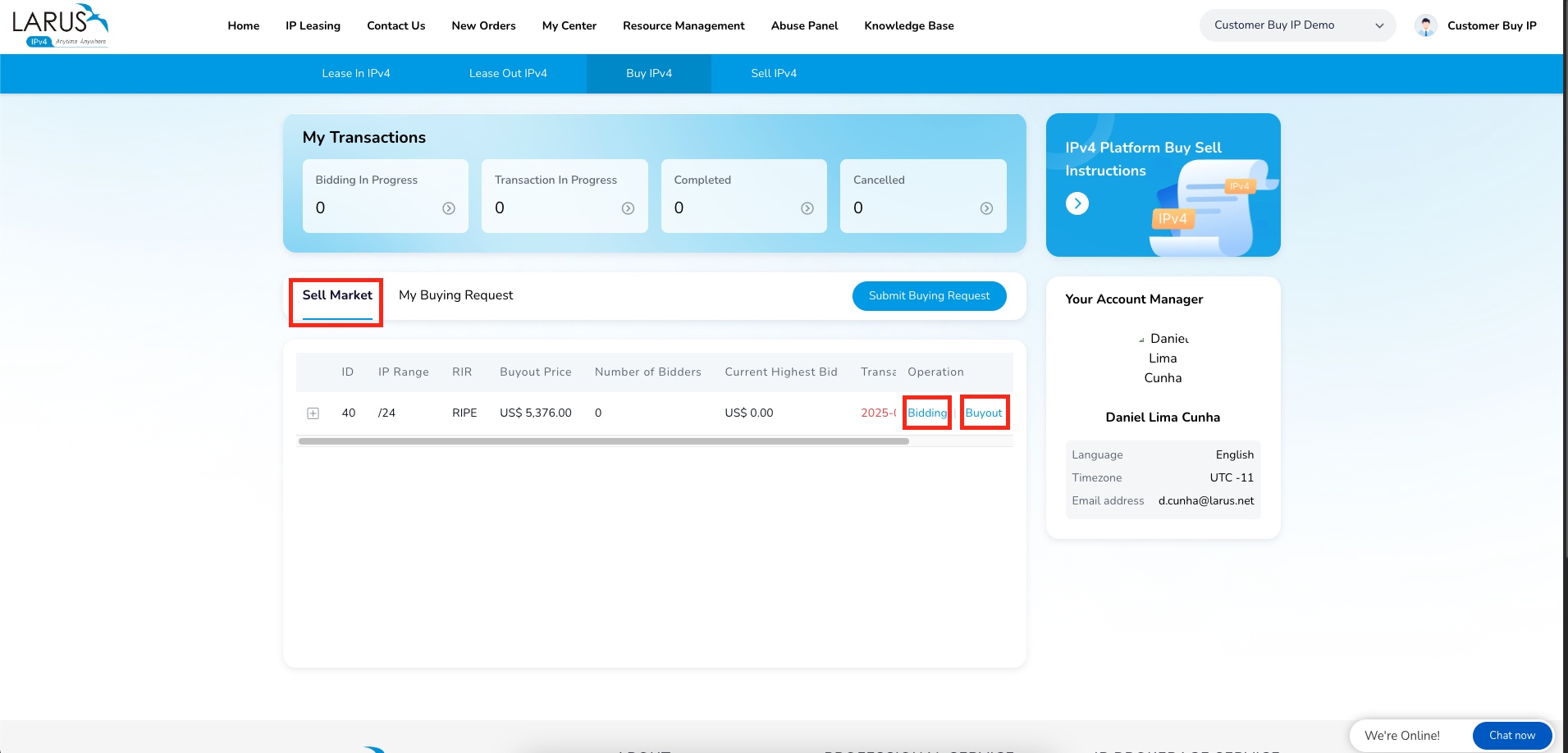
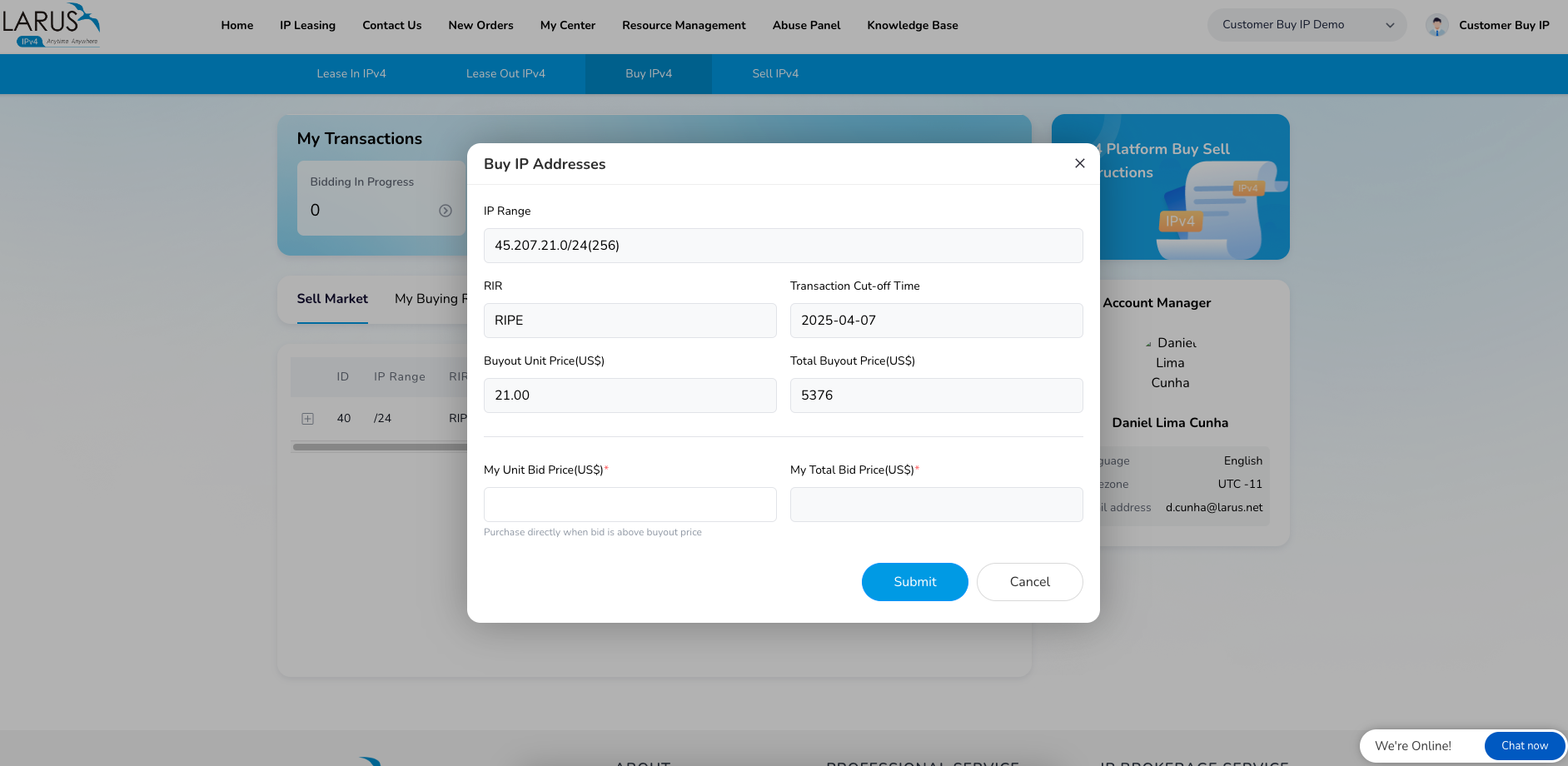
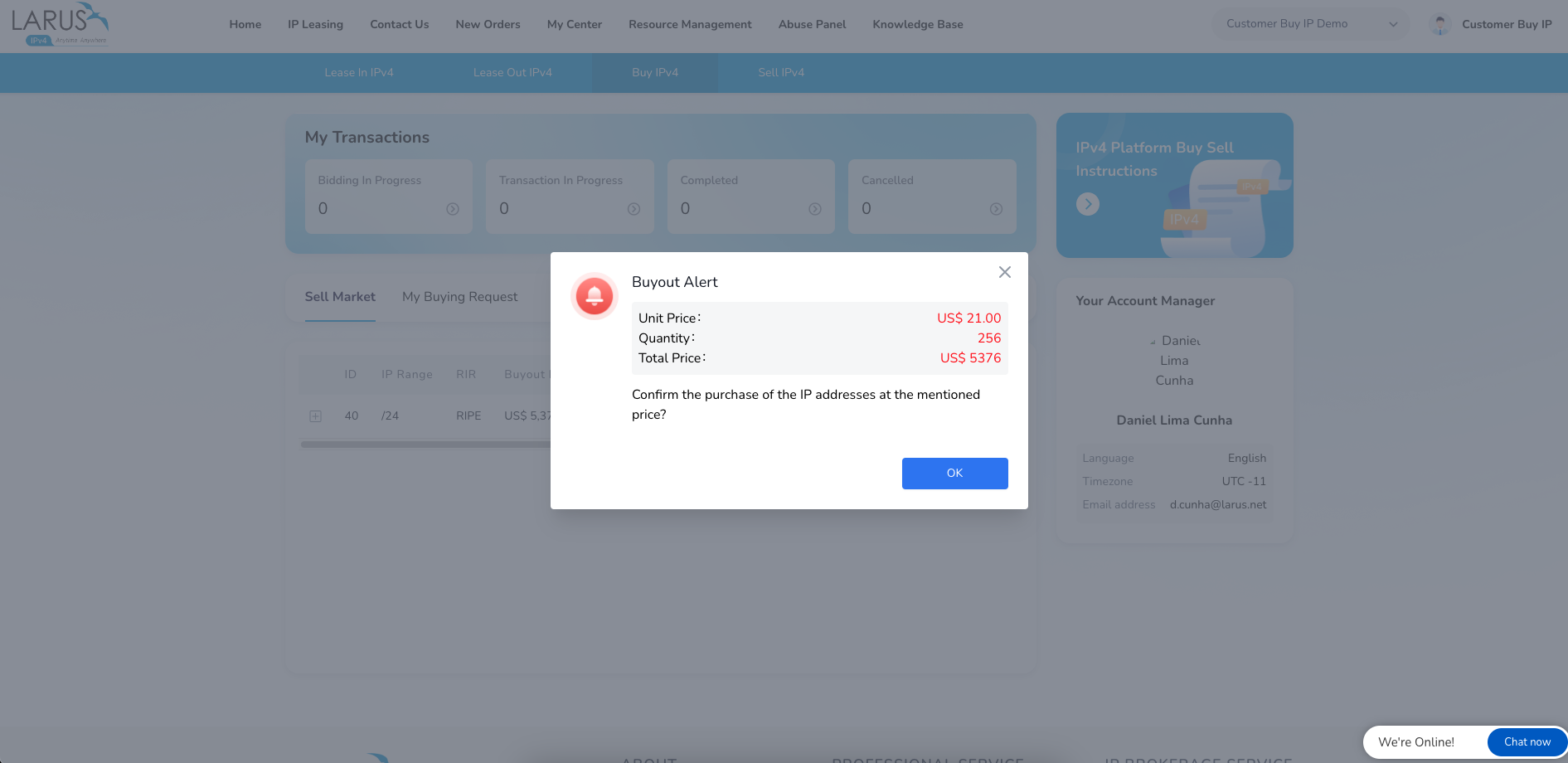
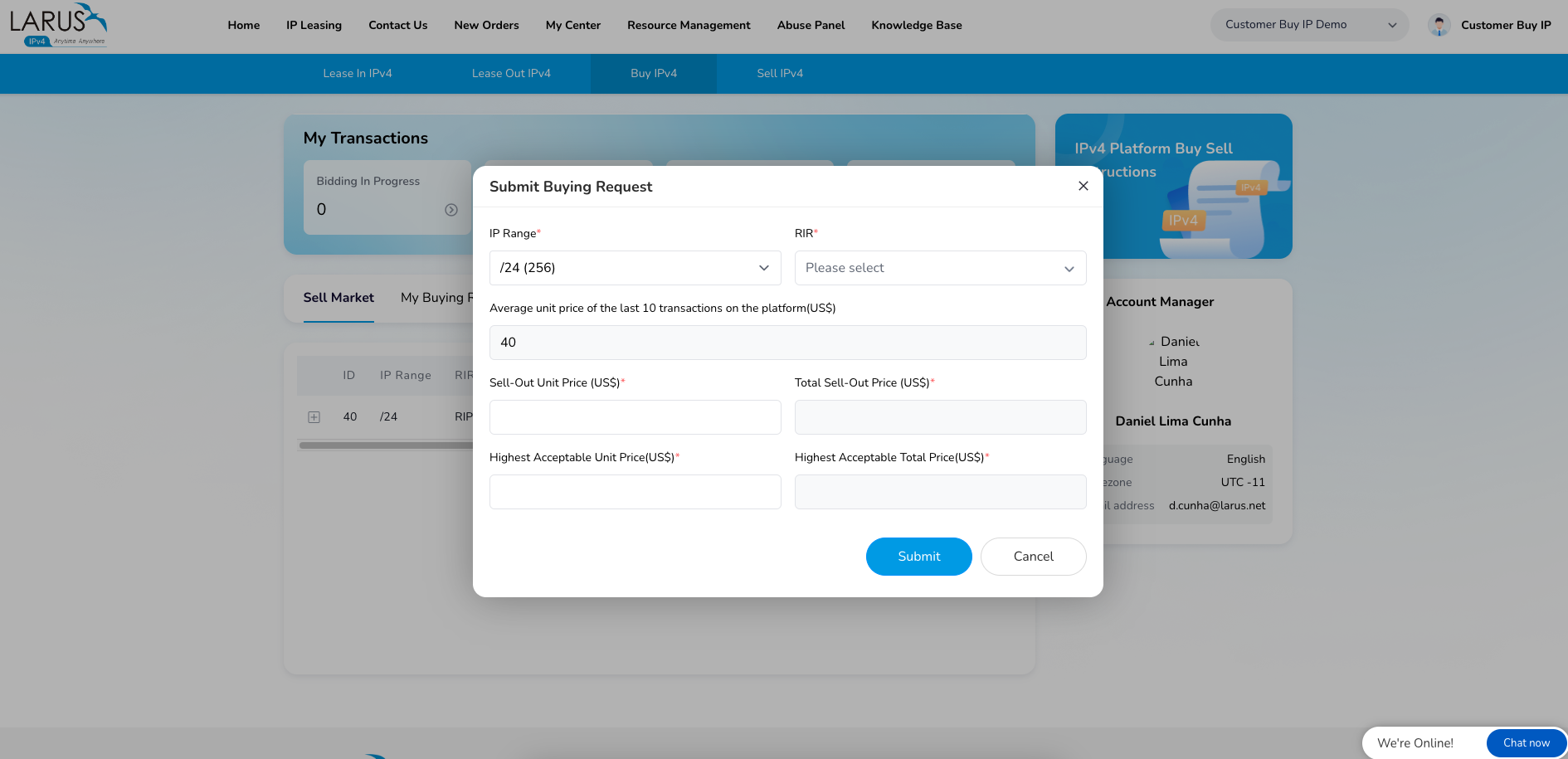
The account walkthrough shows the existing marketplace journey: open My Center → Buy IP, browse blocks offered for sale and choose a bid or a direct buyout. If the listed blocks do not fit your request, use the request option to describe what you need.
For a current address plan, share the block size, announcement location and timing with LARUS. The team can help you compare the service path before you commit capital.
Keep capacity and continuity together
Leasing gives you address capacity without a large upfront purchase. Explore LARUS IPv4 Leasing and Continuity to build around your customers’ needs, with a direct operating partner for the address service.
Buying-workspace screenshots