Elige cómo impulsar tus servicios
Si buscas IPv4 para comprar, empieza por la capacidad, ubicación y continuidad que necesitas. Compara el desembolso inicial de una compra con un plan de alquiler de LARUS que mantenga capital disponible para el resto del negocio.
El espacio de compra de tu cuenta
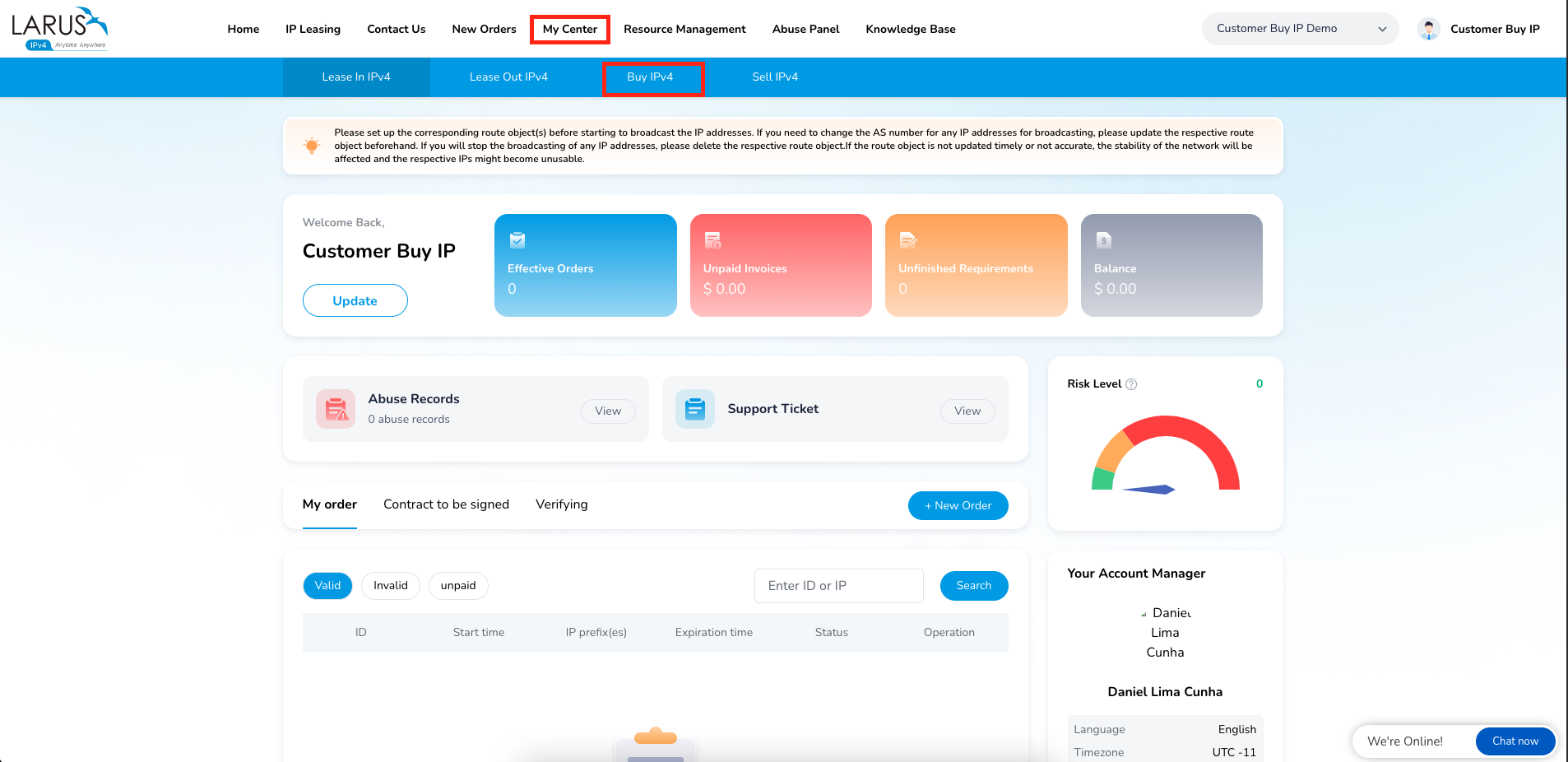
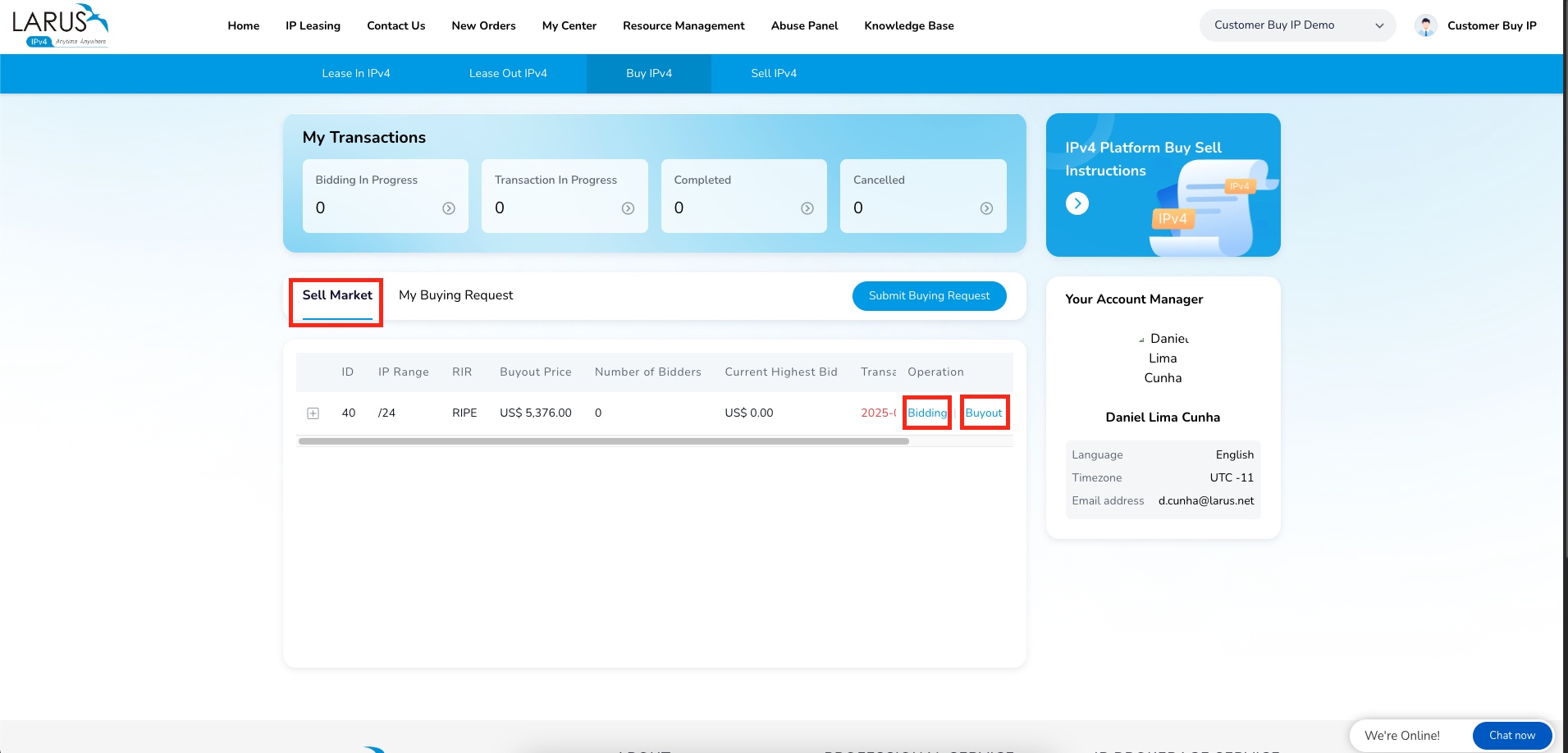
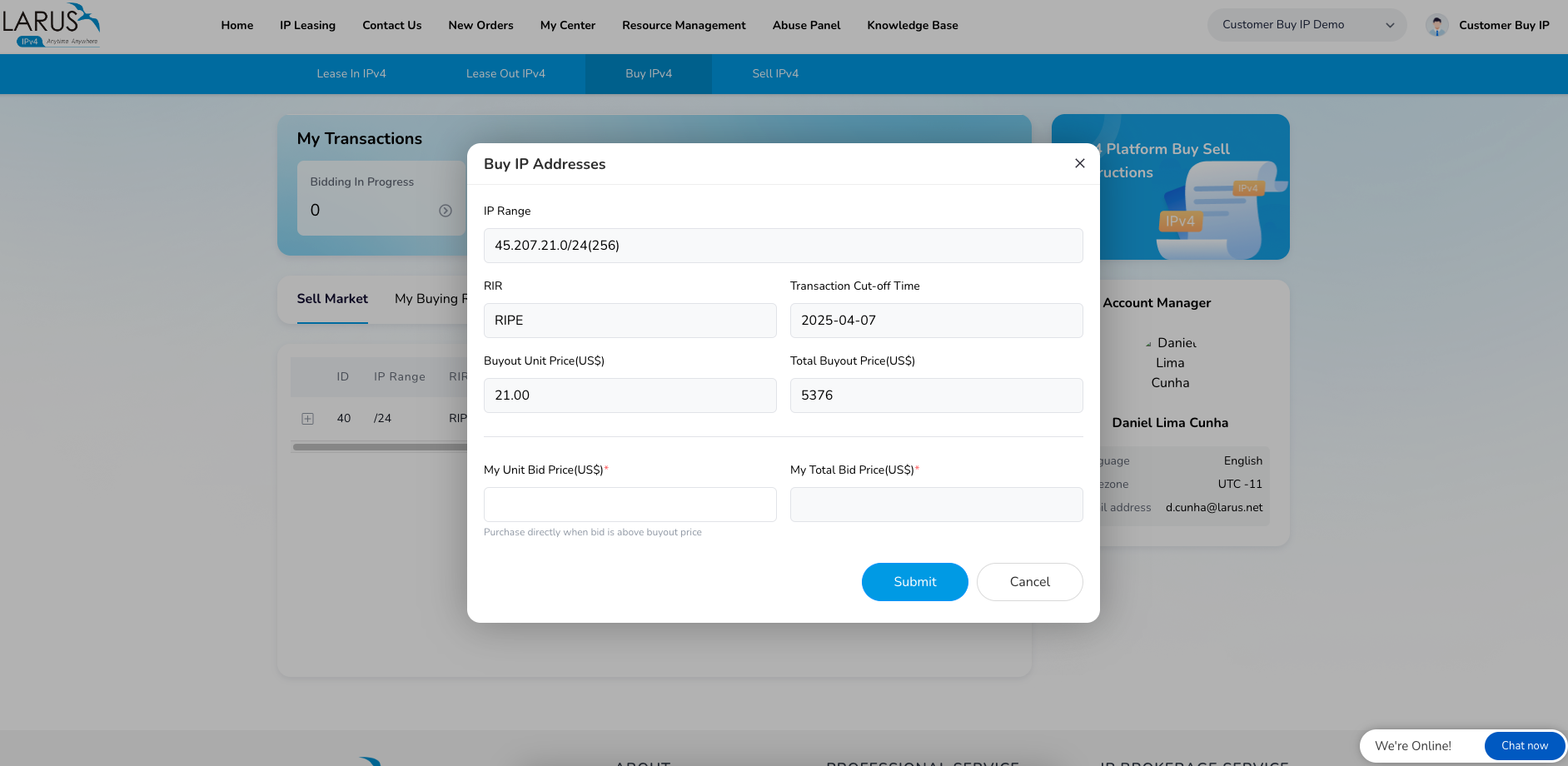
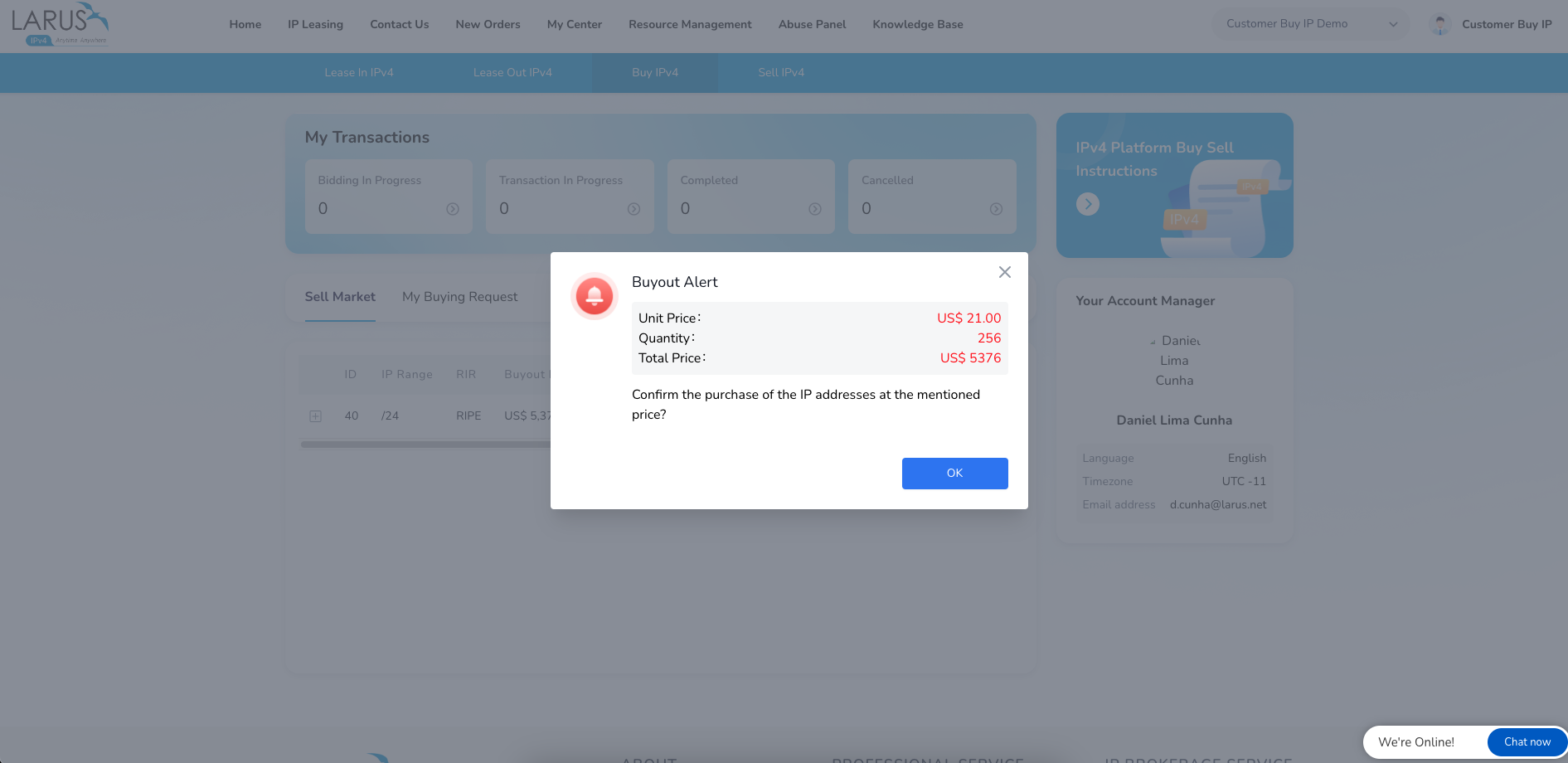
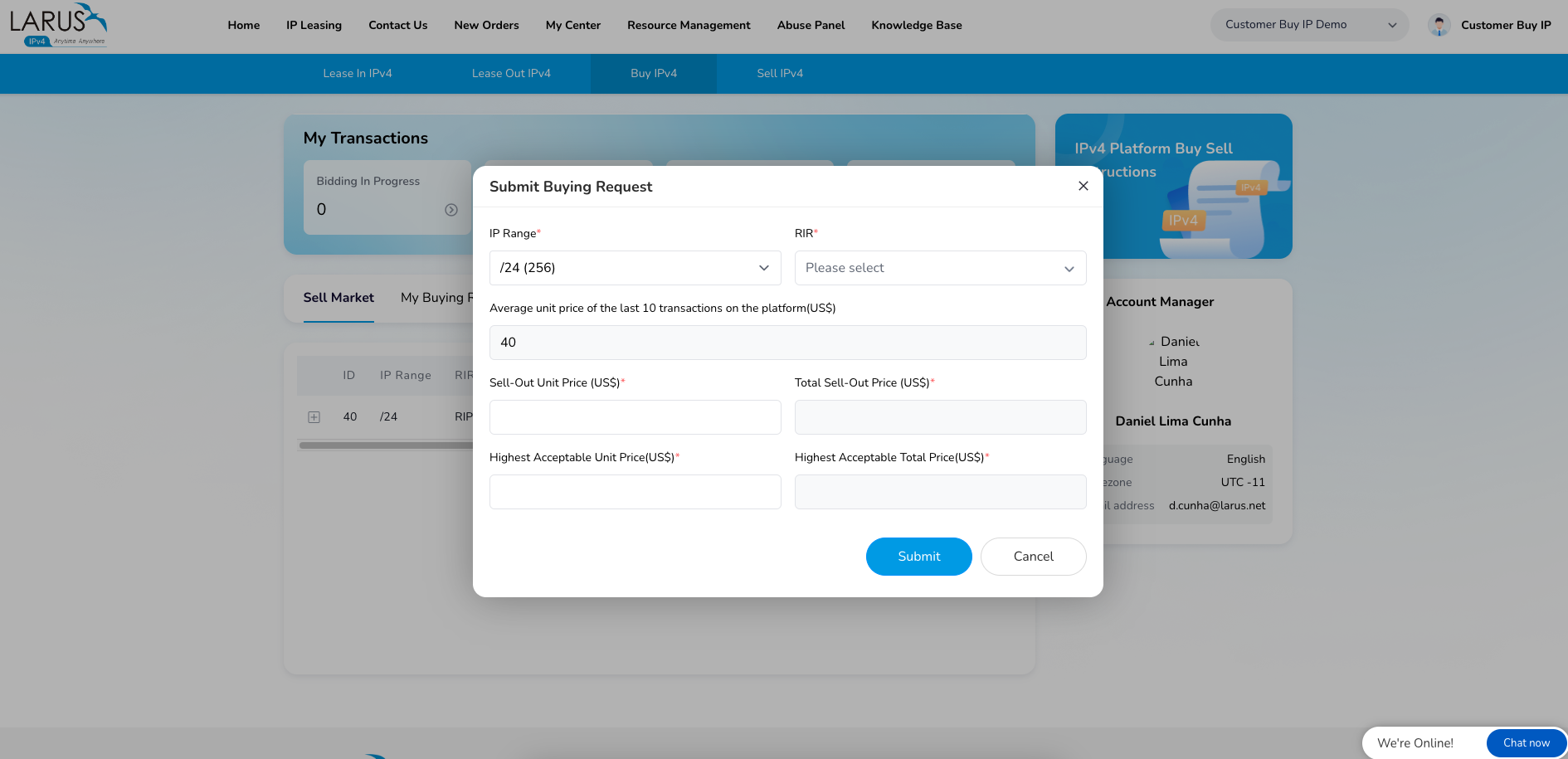
Las imágenes muestran el recorrido existente: abre My Center → Buy IP, consulta los bloques en venta y elige entre presentar una puja o comprar directamente. Si no encuentras lo que necesitas, utiliza la opción de solicitud para describir los recursos buscados.
Para valorar una solución actual, facilita a LARUS el tamaño del bloque, el lugar de anuncio y el calendario. El equipo te ayudará a comparar el servicio antes de comprometer capital.
Une capacidad y continuidad
El alquiler permite disponer de direcciones sin una gran compra inicial. Explora IPv4 Leasing y Continuity de LARUS para planificar en torno a tus clientes con un operador directo para el servicio.
Ver el espacio de compra