メインコンテンツへスキップ
LARUS
詳しく見る

Network Partner:Unlimited IPv4で成長する

LARUS Network PartnerのUnlimited IPv4で成長できます。地域のインフラを活用し、冗長ルーティング、APIアクセス、継続的なアドレス供給を利用できます。

拠点を成長の余地に変える

自社ネットワークと地域インフラをLARUS Network Partnerへ接続します。Unlimited IPv4を活用し、提供サービスのアドレス供給を拡大して余剰インフラを稼働できます。LARUSがルーティング設定を支援し、チームは顧客と成長に集中できます。

物理サーバーが2台必要な理由

2台で冗長ルーターを運用します。片方の保守や故障時にも、もう片方がサービス継続性を支えます。この冗長性はBGPと、APIによるアドレス運用を支えるネットワークを安定させます。

拠点をオンラインにする

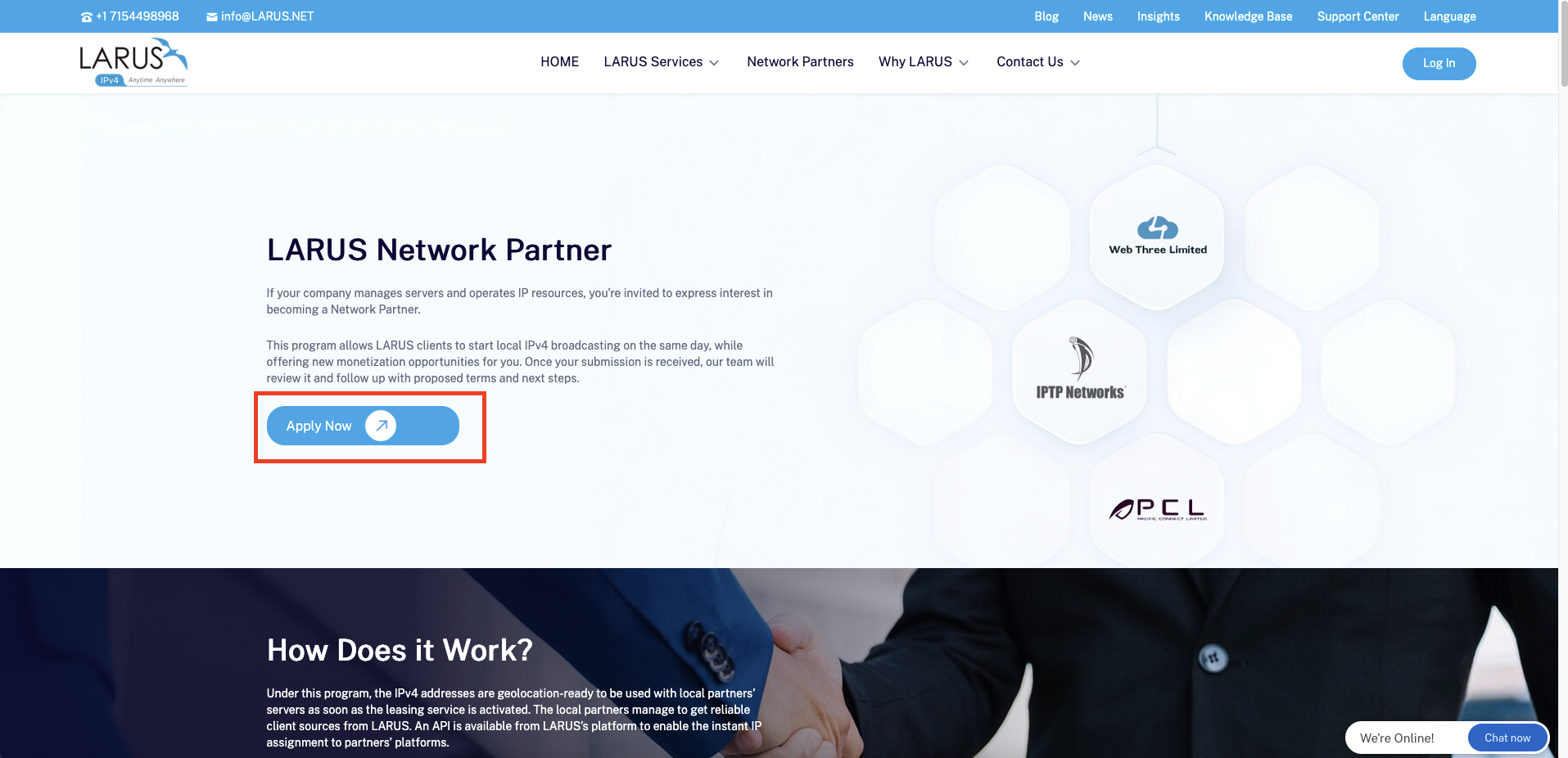
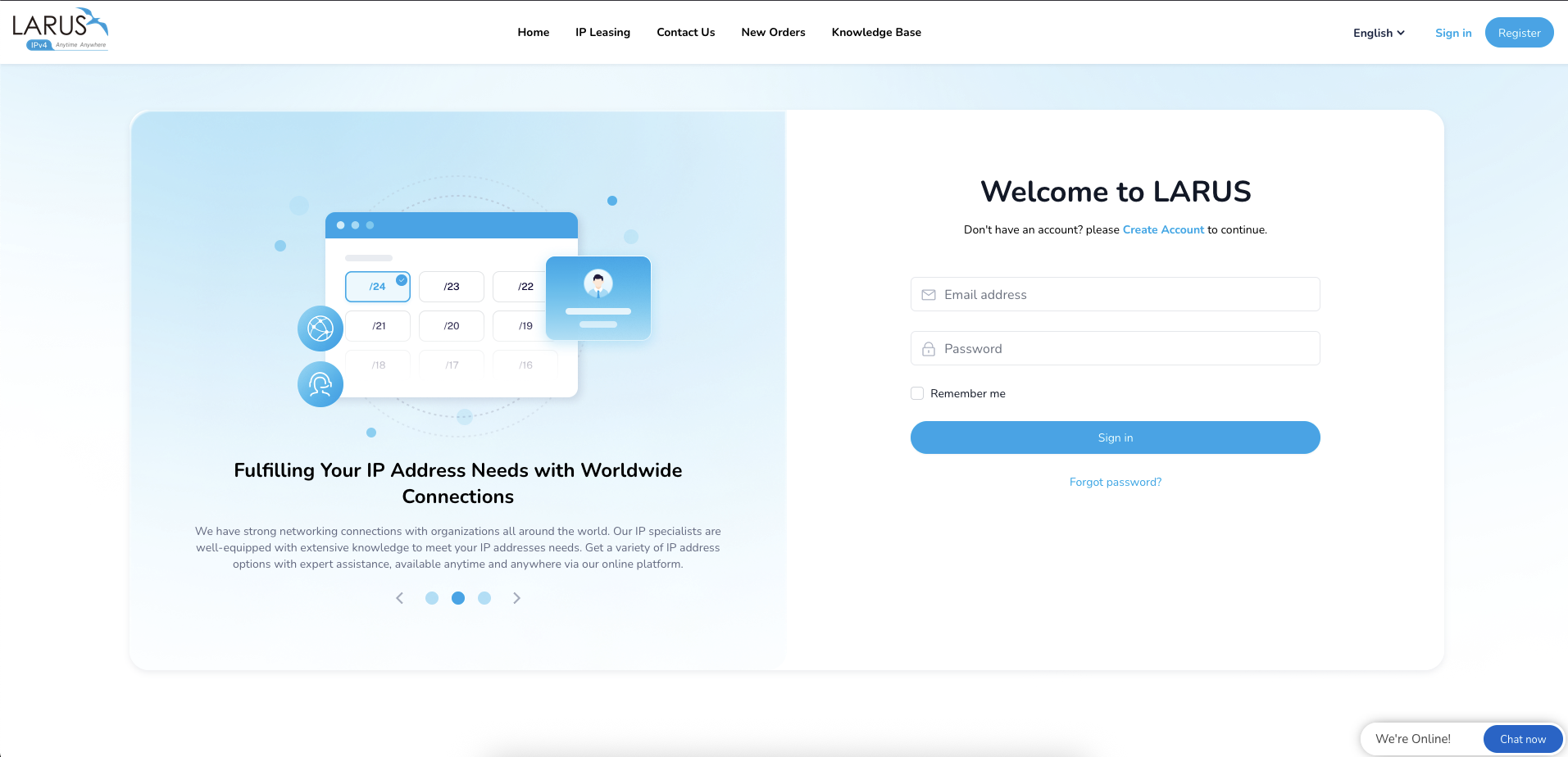
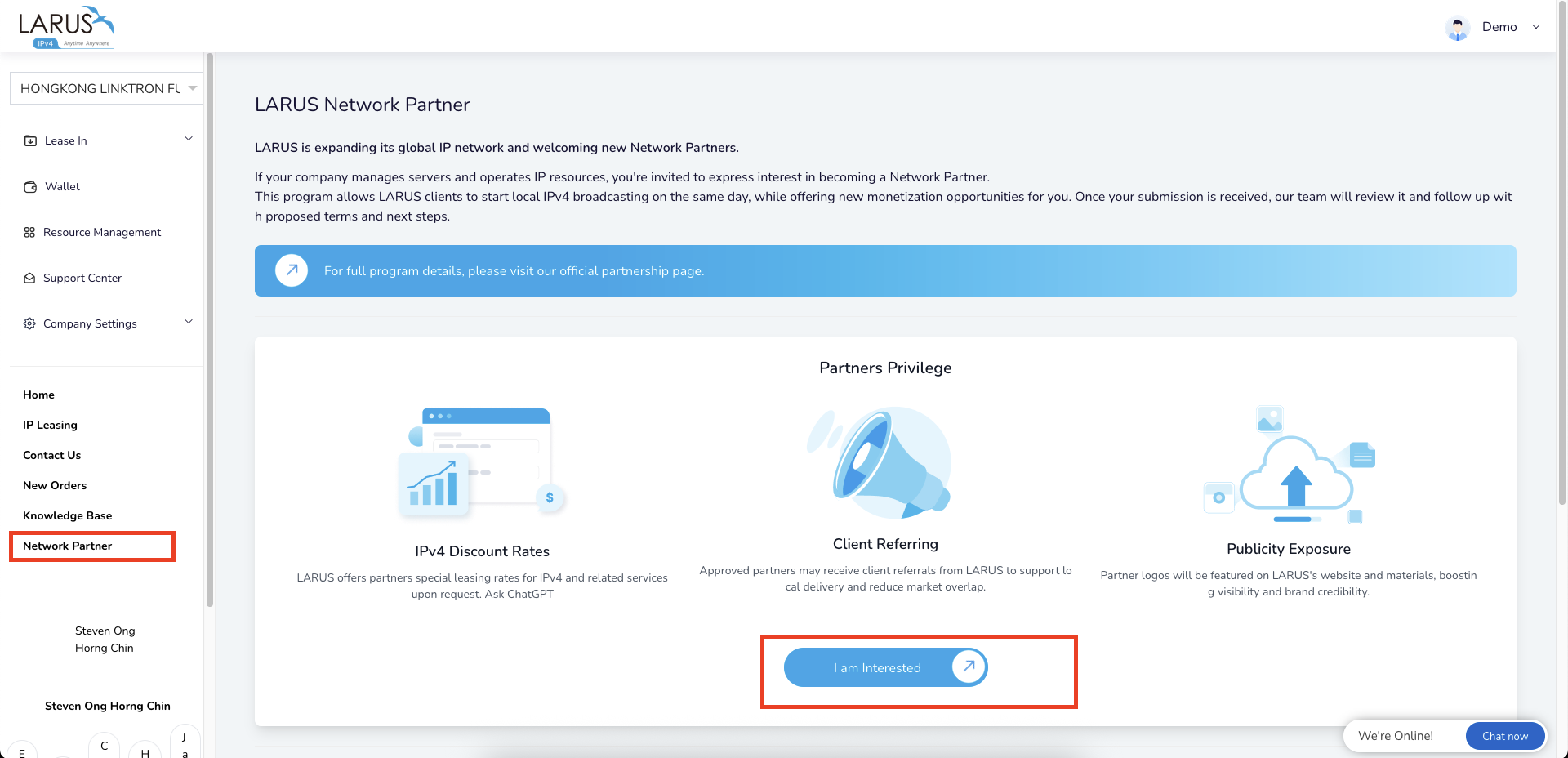
  1. Network Partnerページを開き、ログインまたは登録して拠点追加を開始します。
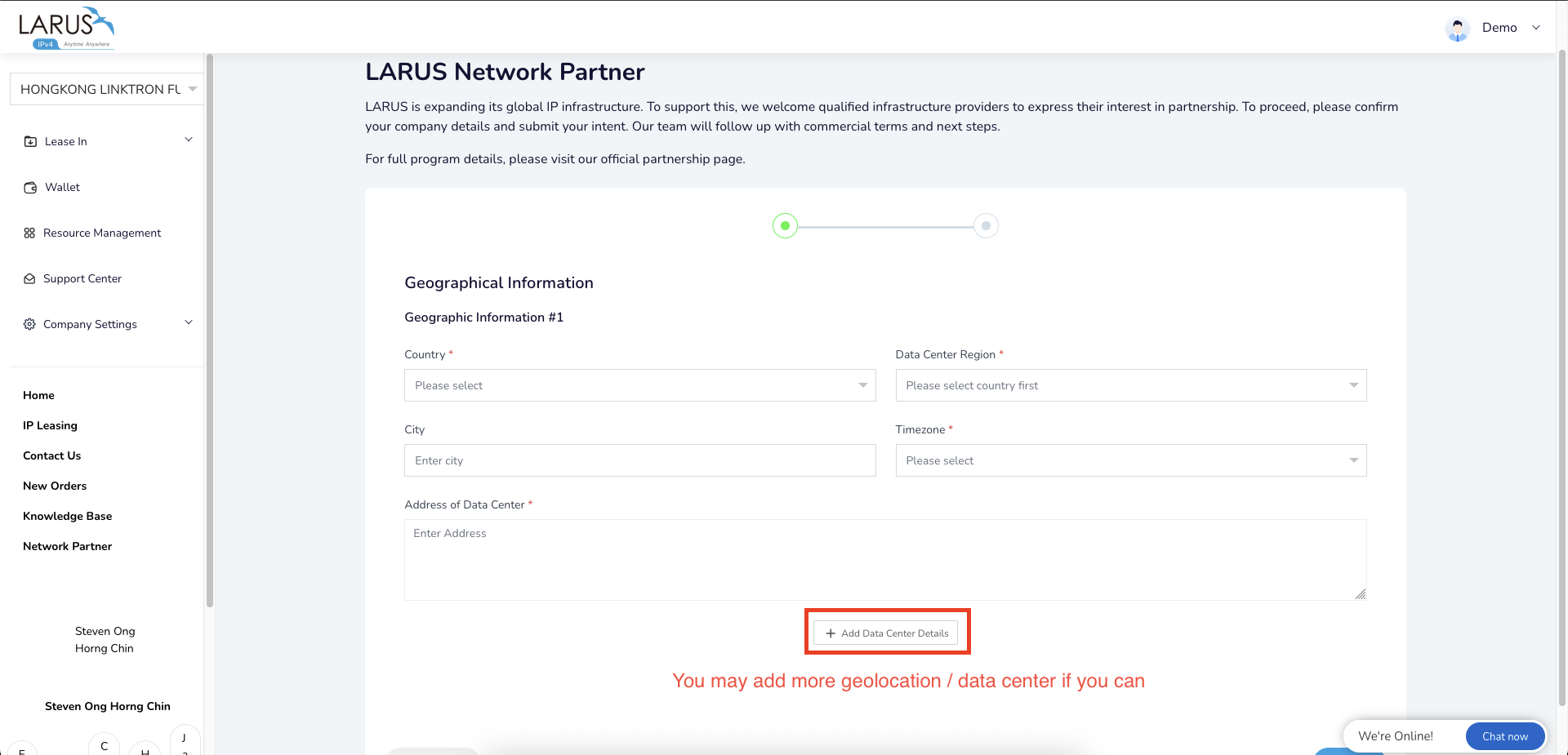
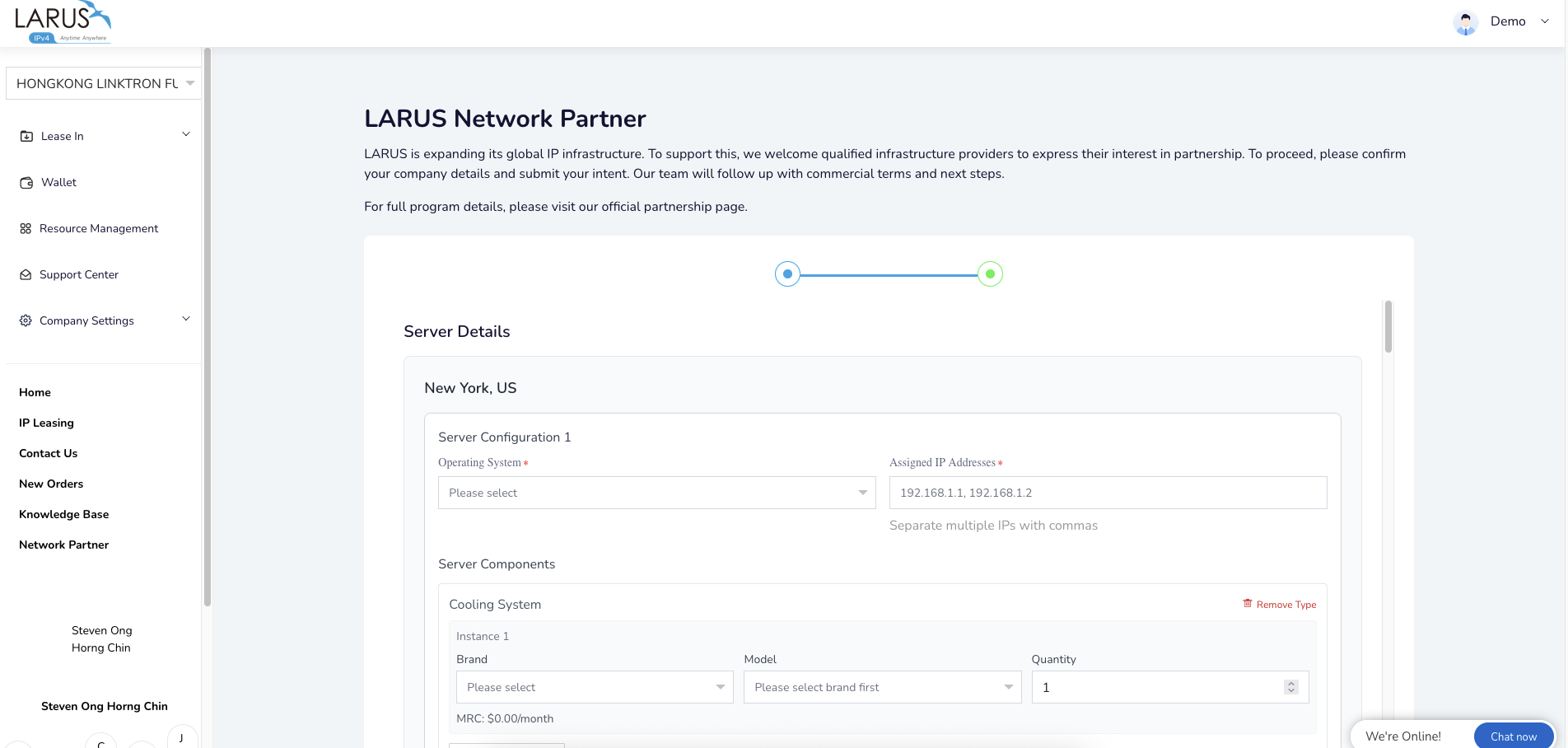
  2. 地域、接続構成、2台の物理サーバーの仕様を入力します。
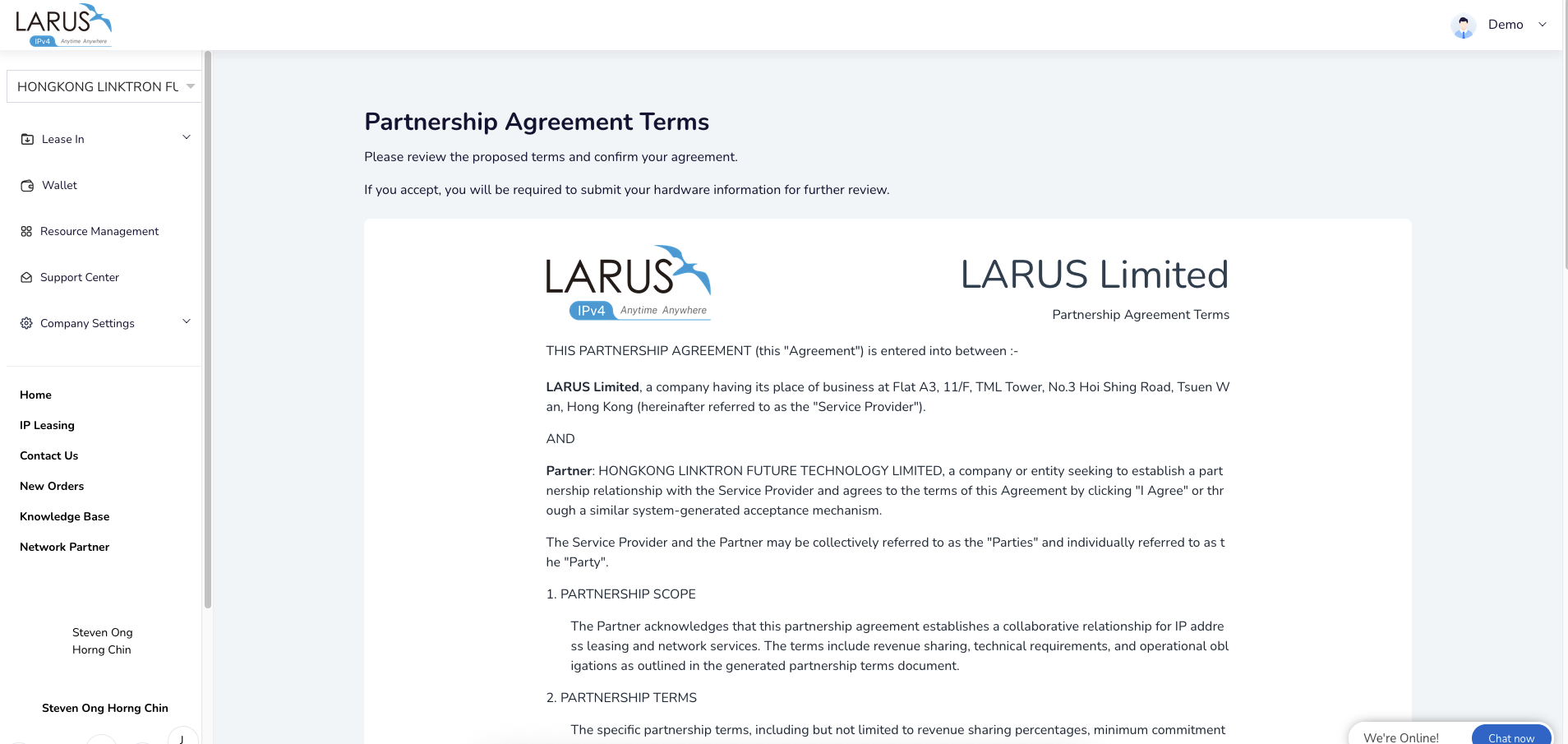
  3. インフラ提供の継続的な価値と商業条件をLARUSと協議します。
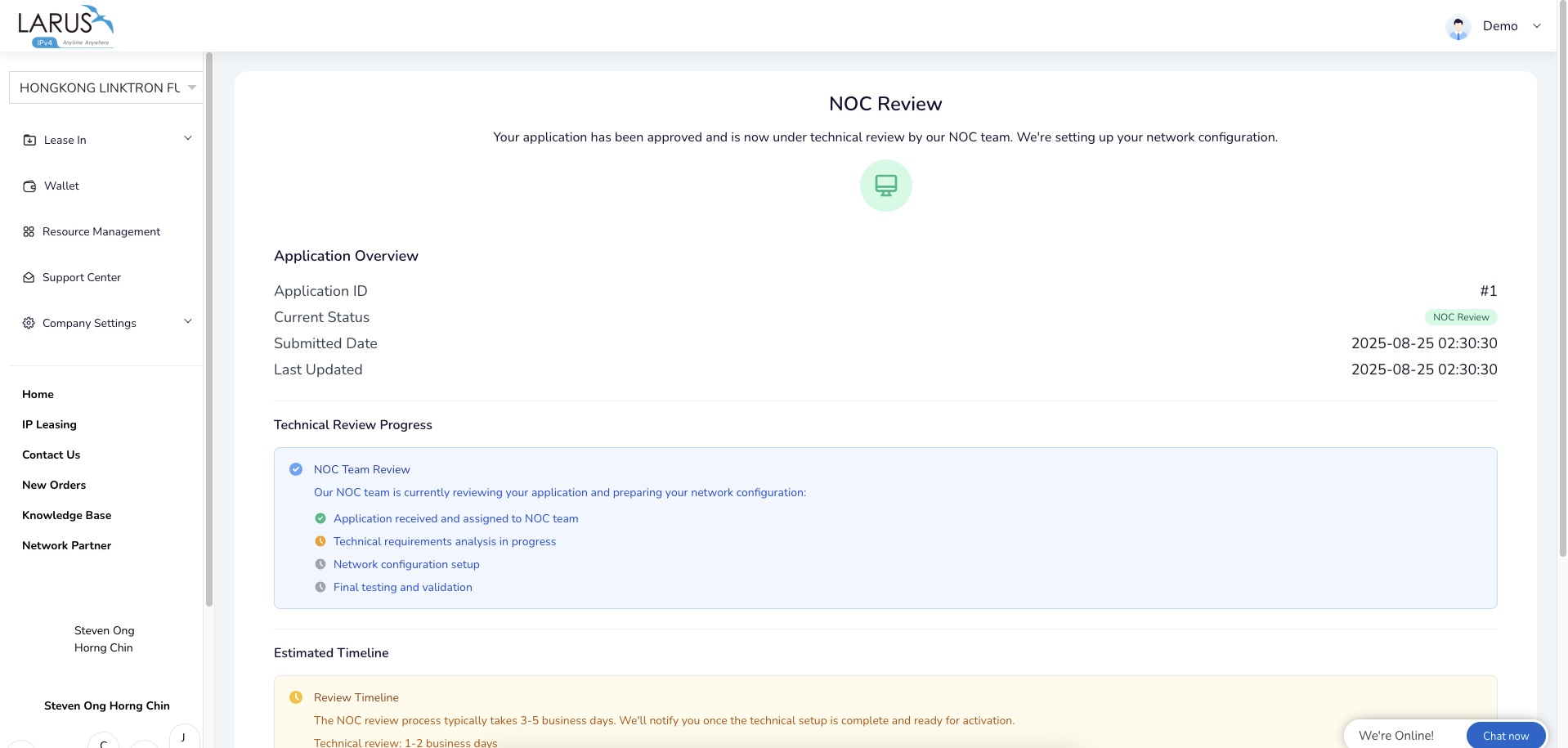
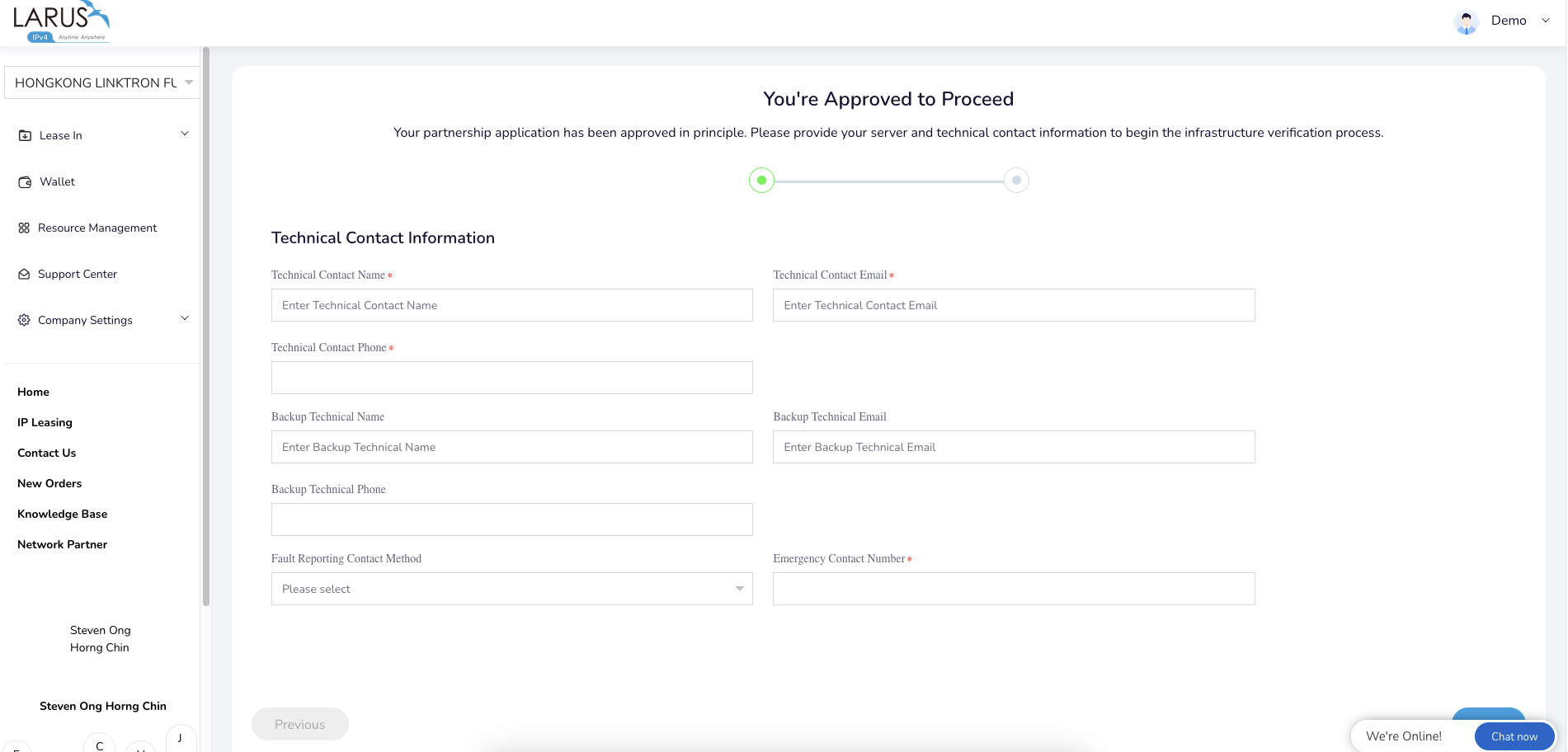
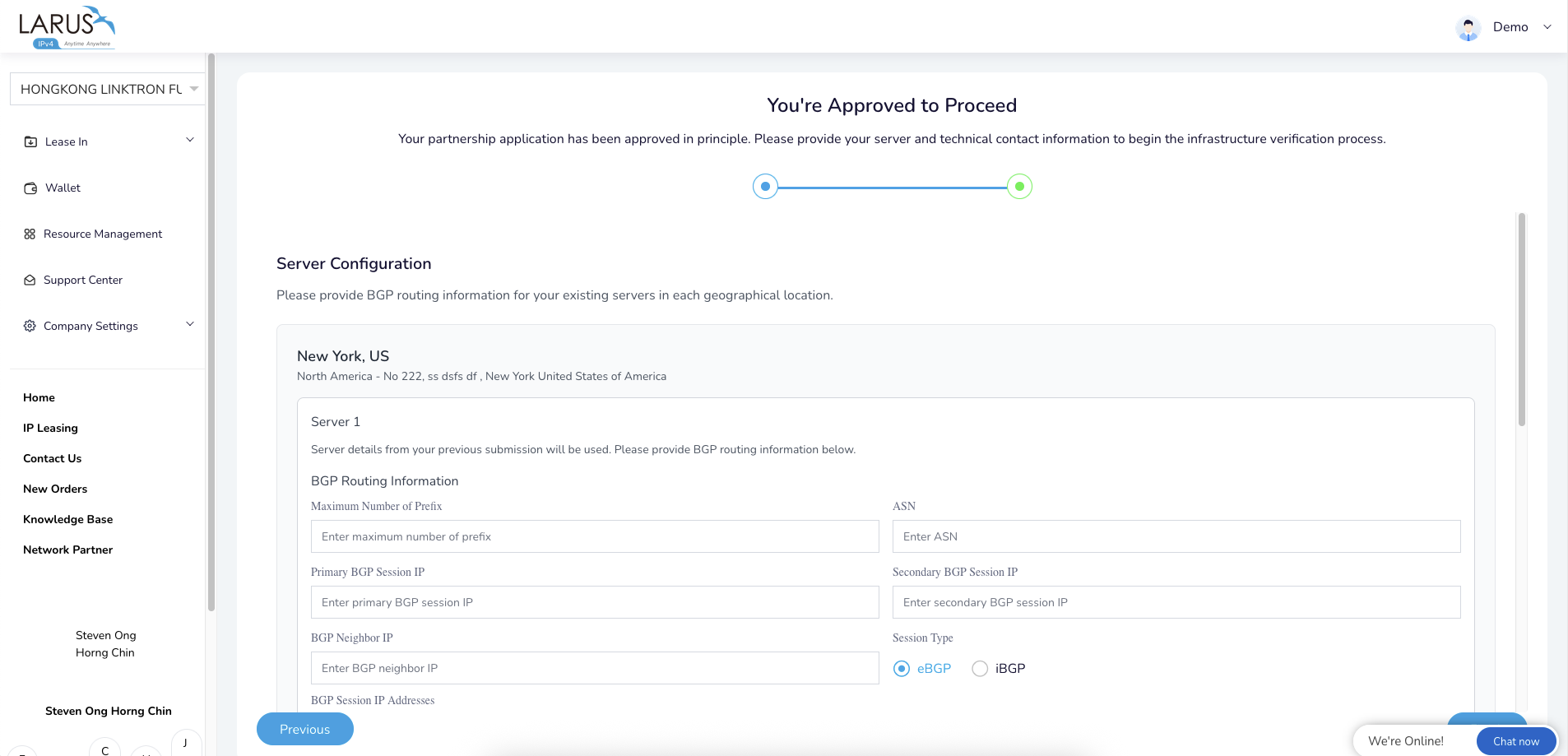
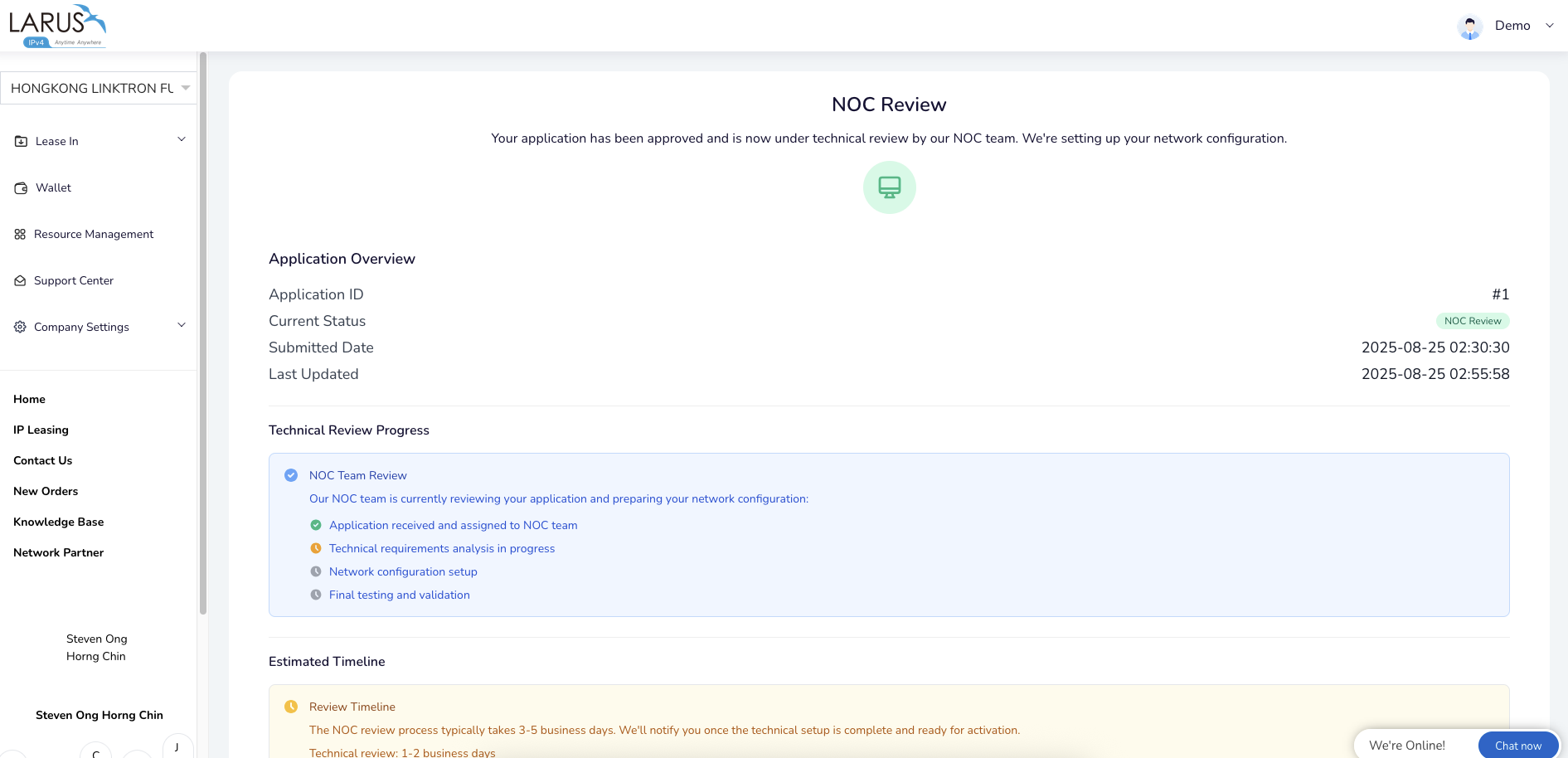
  4. 技術担当者とBGP情報を共有し、NOCがノードを設定してルーティングを確認します。
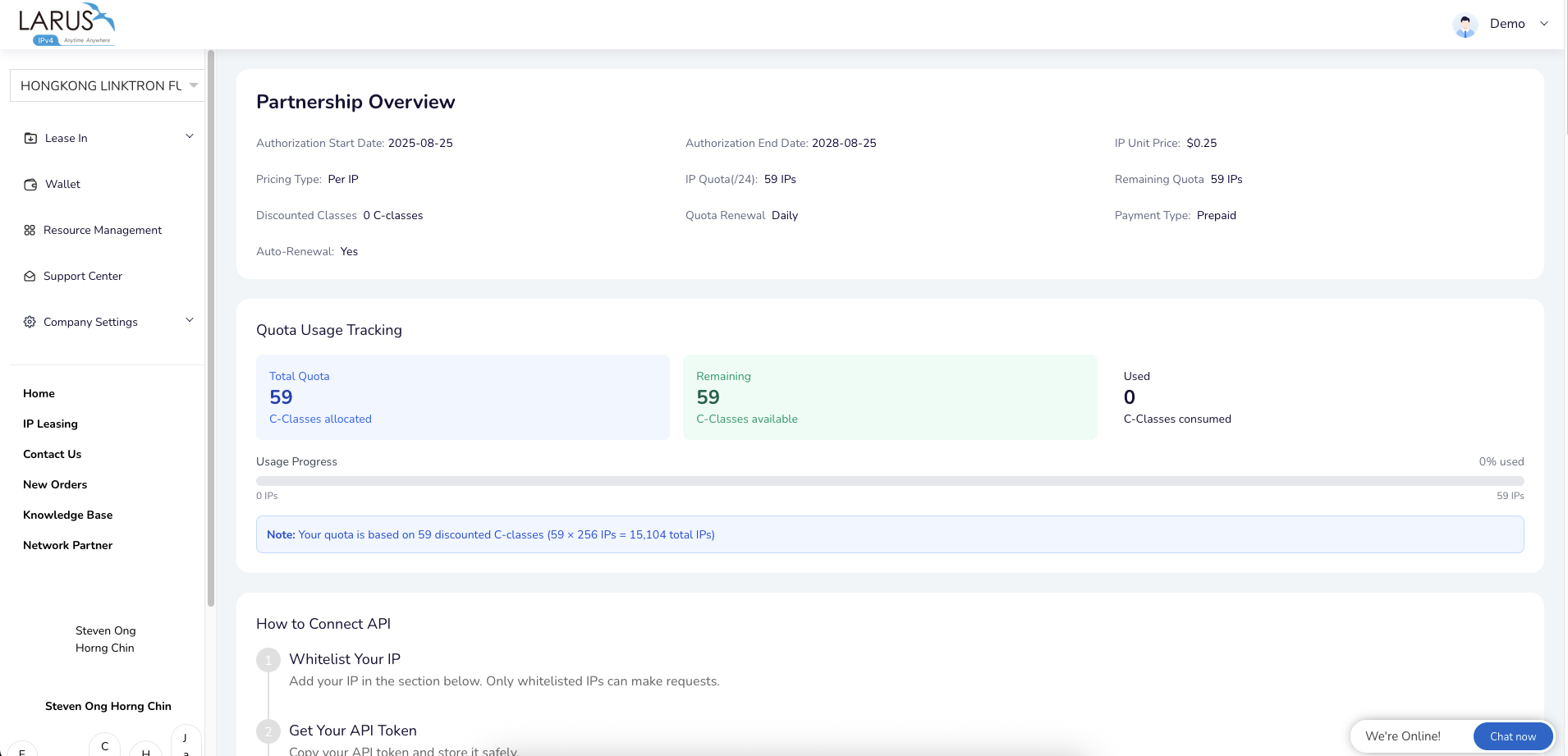
  5. チームと有効化を完了し、アドレス供給を運用します。

プログラムでは、継続クレジット、APIアクセス、共同マーケティングの機会をインフラ提供と組み合わせます。Network Partnerページで現在のプログラムをご確認ください。

拠点設定の手順Apply Now button on the Network Partner page. LARUS sign-in page for an existing account or new registration. Network Partner panel with the I am interested button. Partner application location form with country, region, city and data center details. Partner server details form with operating system, IP addresses and hardware components. Network Partner application overview showing technical review progress. Partnership Agreement Terms document in the partner application. Technical contact form with primary and backup contacts and emergency reporting details. Server configuration form for ASN, primary and secondary BGP sessions and neighbor details. Network Partner technical review status after submitting the BGP configuration. Partnership overview with quota usage tracking and API connection instructions.
ナレッジベースに戻る
LARUSの直接サポート

ご相談内容をお聞かせください

連絡先をご入力いただくと、担当者が会話に参加します。